ENGLISH
31
IV. Thumbnail Panel Area [Floating Windows]
le goes directly to
the hard drive, this window remains blank as does the main Cyberview
window.
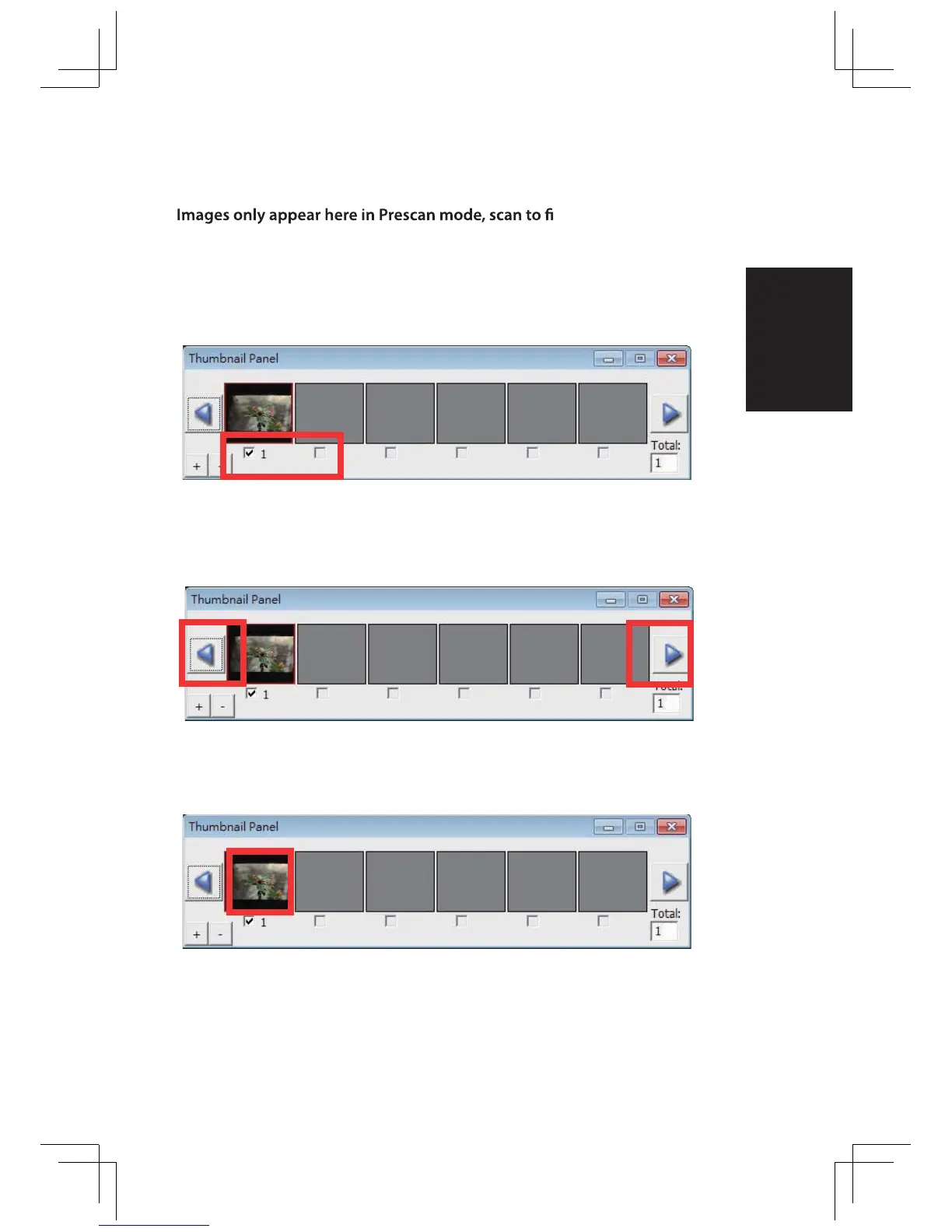
Displays thumbnail view of pre-scanned images. By default all pre-scanned
images are selected. Note the small check mark below each image.
When scanning more than 6 frames (6 at a time are viewable in the thumbnail
panel) you may scroll to view more by clicking on the right arrow button. The left
/ right arrow buttons allow you to scroll throught pre-scanned images with ease.
To de-select frames you do not wish to scan click on the check mark box
to remove selection.















 To Next Page