ENGLISH
27
Menu Commands - Windows
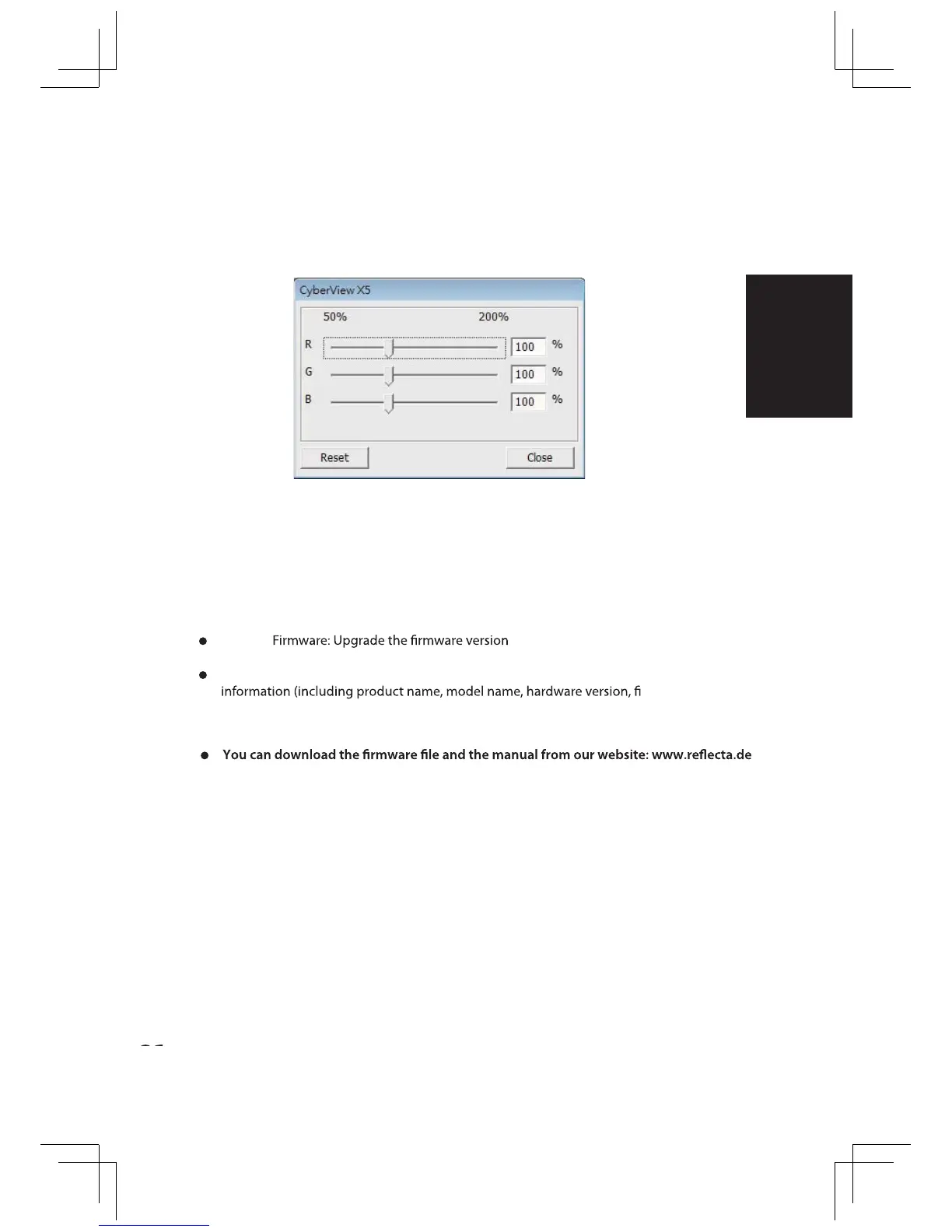
1. Exposure Setting: To adjust the exposure time (R, G, B) press ”Reset” to restore to
the default setting.
Menu Commands - Help
t Update: .
t About: Displays system information (including operation system, CPU), product
rmware ver-
sion, software version, device information including interface and optical
resolution).
t















 To Next Page