-10-
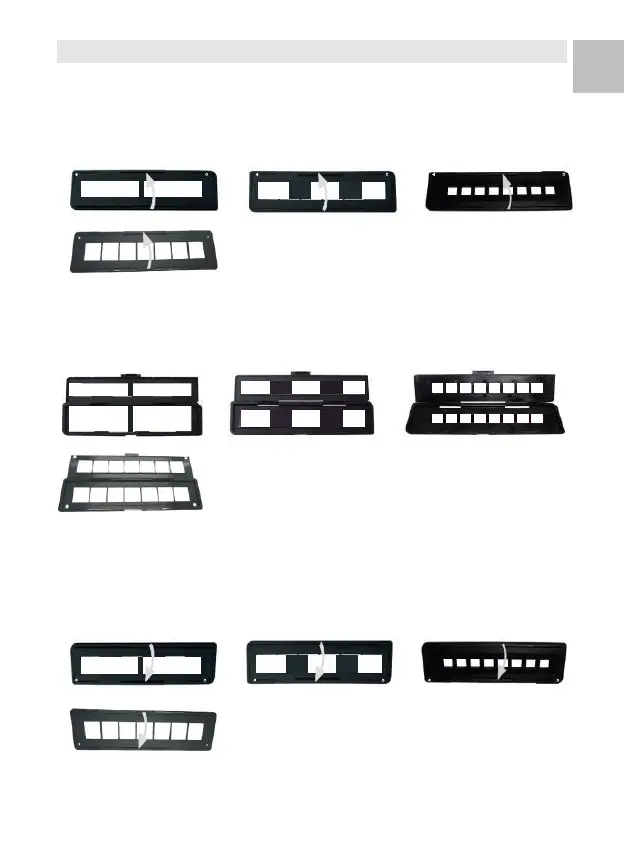
4. Place Film / Slide Into The Holder
1 Keep the glossy surface in the upward direction.
Open the negative/ positive slide holder as Illustrated.
1. Put a 135 positive slide/ negative film/ 110
negative/126 negative into holder as shown.
2. Close the holder and please make sure the holder
close properly.















 To Next Page