-13-
6. Image Brightness and Color Adjustment
The brightness and color of the image are preset
automatically. Normally additional adjustment is not
needed. Some film brightness and color fade out and
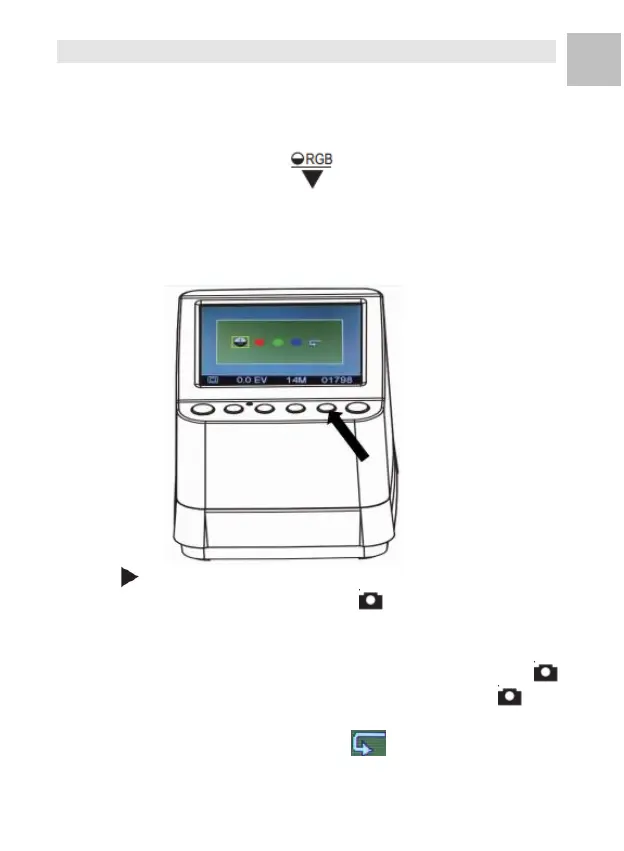
needs adjustment. Press ( ) Button and you will see
the following icons display on the LCD screen for
adjustment.
Press (Playback) Button to select one of the items you
want to adjust then press the OK/( ) Button to confirm
your selection. You may now see a scale on the right hand
side of the LCD screen, Press the ▲ and ▼ Button to
add or reduce the value of the adjustment. Press OK/( )
Button to confirm your adjustment. Press the OK/( )
Button once more to scan the adjusted picture.
You may select the recover icon ( ) to reset the
adjusted colors to its original default setting.















 To Next Page