-16-
9. Downloading the images from Card to Computer
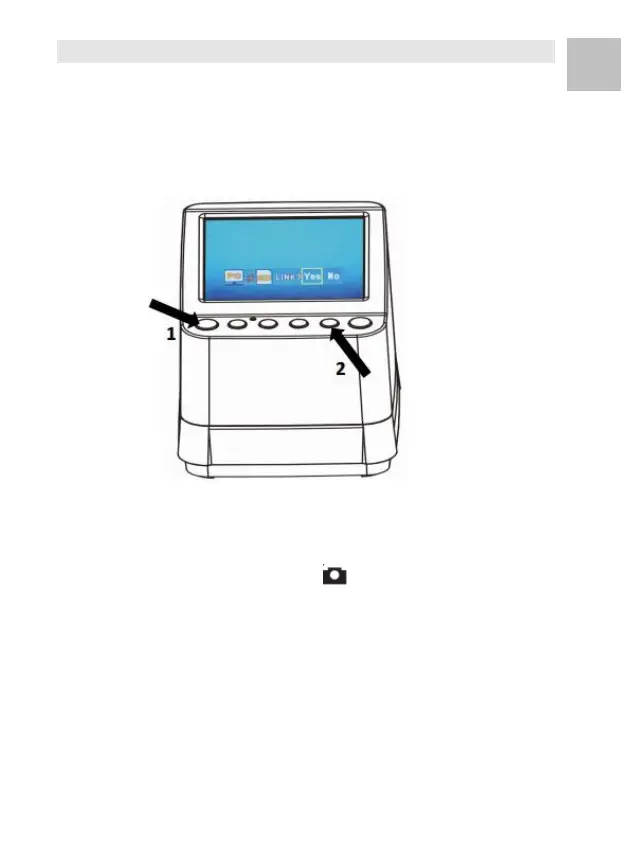
Connect the Scanner to the computer via the micro USB
cable. Turn on the power of your computer and scanner,
you will see a pop up icon on the Scanner LCD screen as
shown below.
Press the ▲ OR ▼ Button to set the yellow frame to
“ YES”, it means you select to link the Card to the
computer, then press the OK/( ) Button to confirm the
linkage. You may download the images from your card to
any folder of the computer.















 To Next Page