-6-
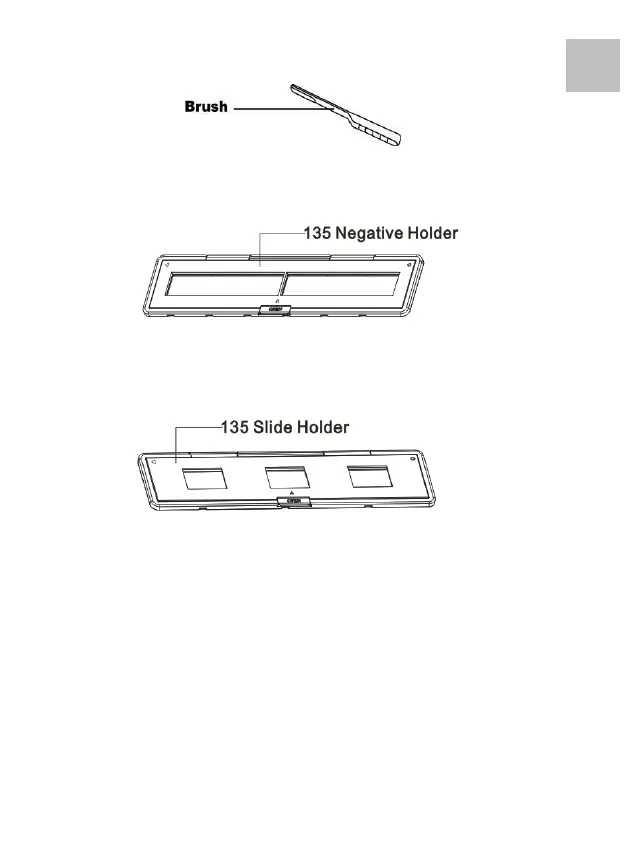
Note: We suggest using bundled brush to insert into the scanner
slot and clean the glass surface periodically to produce a clear
image. Please make sure your film negatives/ mounted slides
and cover trays are clean before inserting into the scanner as
well. Dust or dirt from the negatives and cover trays will affect
the quality of your scanned images.















 To Next Page