-8-
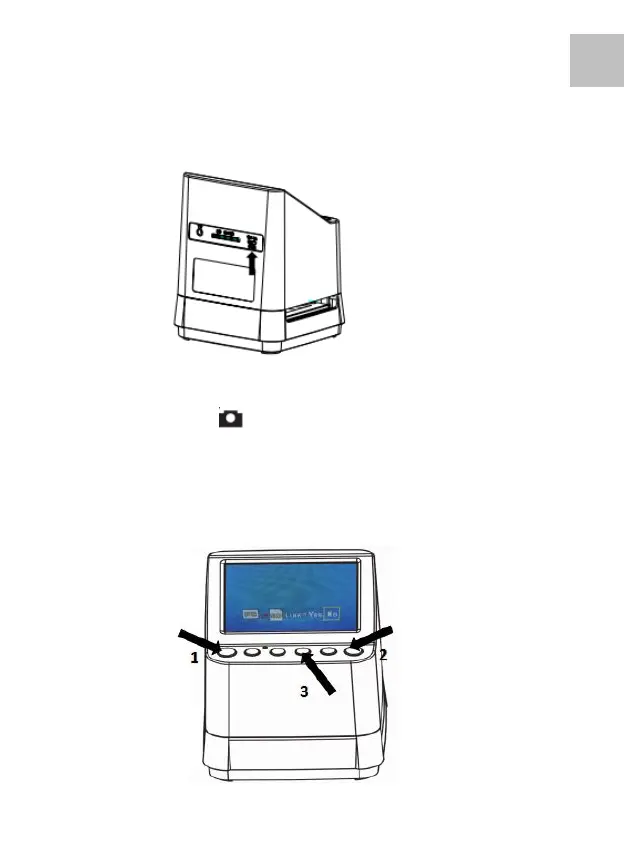
Connect the other larger USB terminal to the power
adaptor or the USB port of your computer, Any of both
devices will supply the power needed by the scanner.
Press the Power Button of your scanner to turn it on. You
will see a pop up screen on the LCD, Select “NO” by
pressing the OK/( ) Button, The film type is preset at
Transparent Slide Film, You may select the setting for
other type of film from the Film Type Button.















 To Next Page