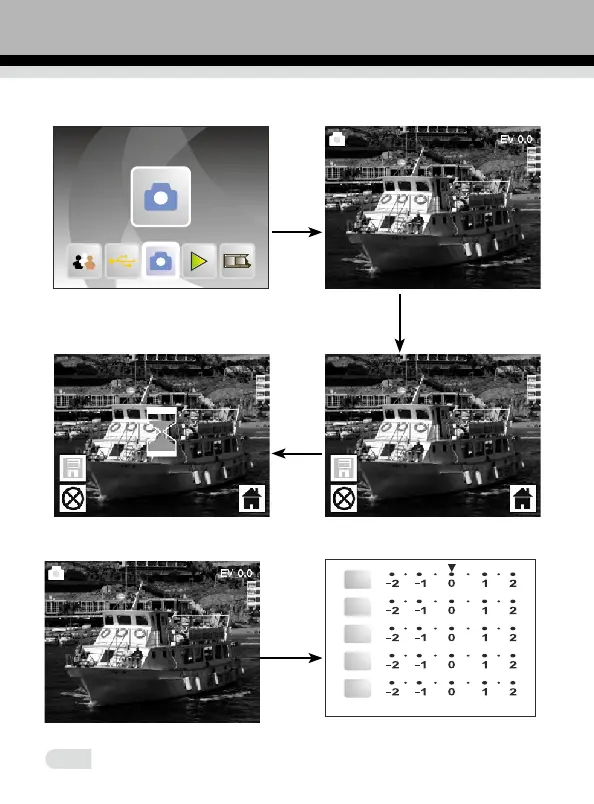
2.3 Before pressing to capture picture, you can press OK button to
OK/Enter
OK/Enter
Convert/Mode
set Exposure.
Press ENTER to set exposure compensation or sharpness (SHP).
ENTER
Capture
Or in main menu, press ◄ or ►, until Capture mode, then press OK/ENTER,
enter the Film format selected in Film Type
EV
R
G
B
SHP
12















 To Next Page