1 Current picture rotate 90 digrees clockwise
2 Current picture rotate 90 digrees counter clockwise
3 Deleting the current picture from memory card
4 Exit the submenu edit mode, back
5 Saving the current edited picture
6 Exit the submenu edit mode, back to scan
Language
English
Deutsch
Français
Español
Italiano
简体中文
Language
Japanese
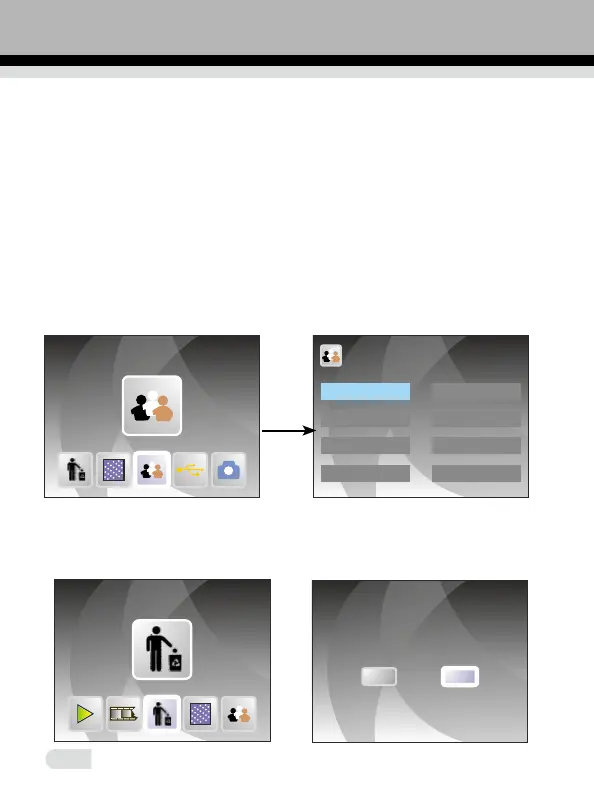
4. Setting Language
Under main menu mode, press ◄ or ► until language mode, press OK/
ENTER to chose language, then press ◄ or ► and OK/ENTER, one of
following 8 languages can be set: English, French, German, Italian, Spanish,
T-Chinese, S-Chinese, Japanese.
ENTER
5. Formatting
In the main menu, press ◄ or ► to Format mode, press OK/ENTER button
to enter.
Format
Format the media?
YES
NO
14
繁體中文















 To Next Page