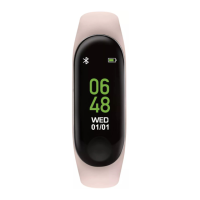
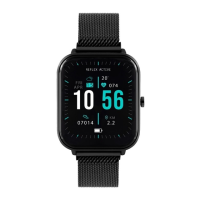
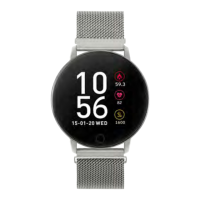
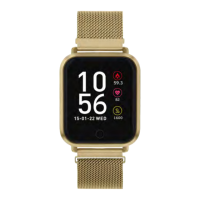
Series 22 - getting started
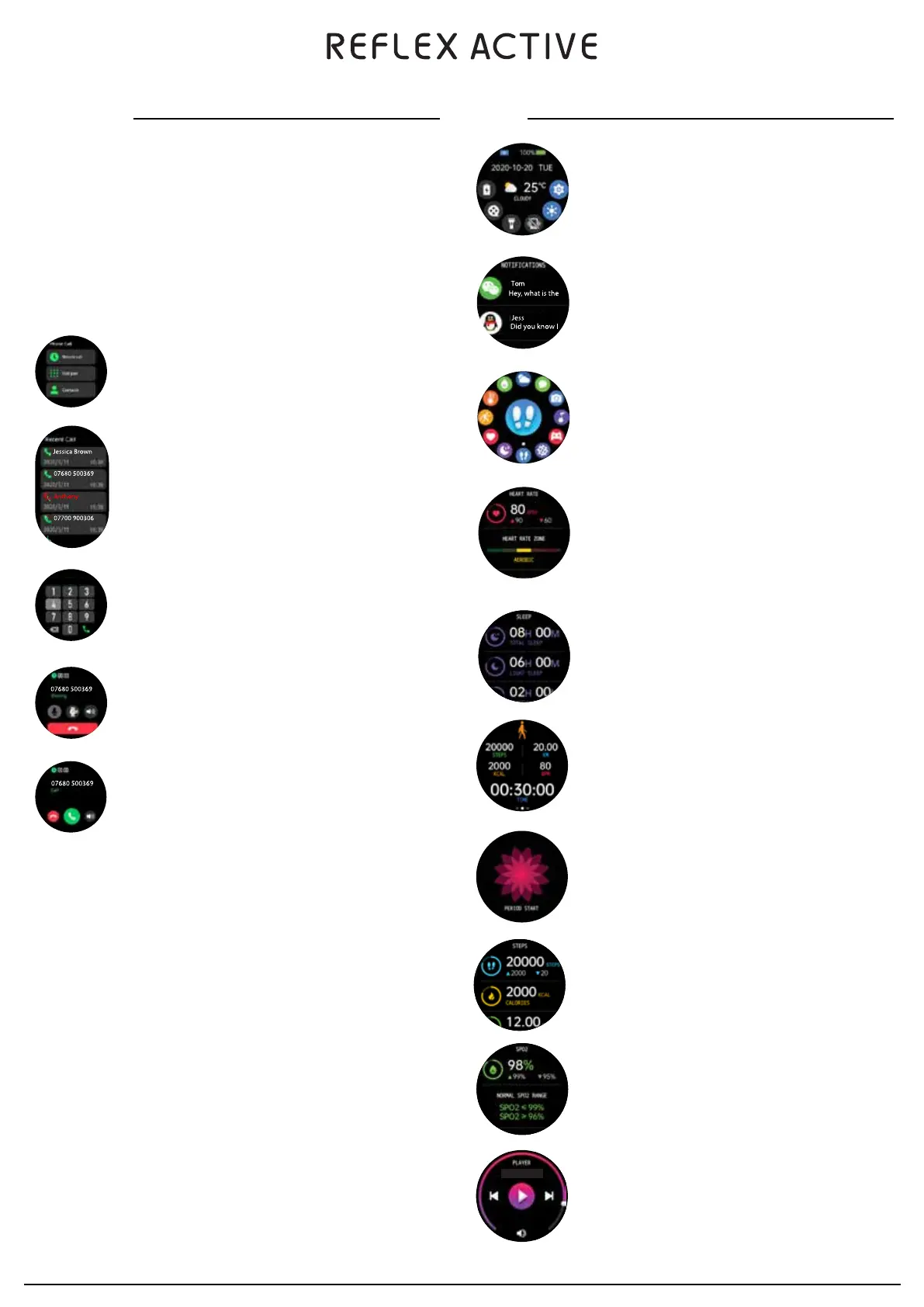
There are three tabs on this screen:
• Recent calls
• Dial pad
• Contacts
If you tap on the recent calls tab you can see the
recent calls on your device.
HOW TO CONNECT
Step 1: After connecting the watch to the REFLEX ACTIVE RED app,you will be prompted to accept Bluetooth
connection, please accept.
Once connected you should see that the device is ‘connected for calls’.
Step 2: Go to your watch and swipe right to the menu and locate the phone function.
WIRELESS CONNECTION CALLING FUNCTION
After connecting the smart watch to your phone, you can use the microphone and built in speaker in the watch to
make and answer calls. You can also view the call history on the watch. Note: you need to retain the connection
between the watch and the phone when using the phone call function.
CALLING FUNCTION
When you tap on the dial pad you can then dial a number to call.
Once you have dialled the number the call button on the bottom
right corner will appear.
Once you tap on the call button the number will then be called.
• You can speak through the in built microphone on your watch.
• To adjust the speaker volume tap on the + or -
• To end the call tap on the red phone icon
INCOMING CALL
When Bluetooth calling mode is activated the watch will ring and
vibrate. You can answer or reject the call.
HOW TO DISCONNECT
To disconnect Bluetooth calling, go to the phone’s Bluetooth setting and “unpair” the “REFLEX
ACTIVE 22”. There is also a shortcut to temporarily switch this off on top of the settings page.
ADD CONTACTS
You can add up to 8 contacts to your watch. Add contacts from the REFLEX ACTIVE RED app. To add
contacts go to “Favourite Contacts” and add contacts. The selected contacts will then be synced
to your watch.
HOW TO DISCONNECT
Switch between watch/phone during an active call: If your watch is connected to your phone via
Bluetooth, all calls will show up on the watch by default. If during a call you would like to switch to
your phone, simply tap on the handset earpiece icon to select it, the call will then switch to your
phone.
The battery lasts for 2 to 3 days with Bluetooth calling mode enabled. On standby the battery can last
for approximately 4-5 days.
BATTERY NOTE
FEATURES
Swipe down to view watch shortcuts.
Low power mode
Theater mode
Calling
Brightness
Settings
Swipe up to view messages.
Swipe right to view Smart Menu.
HEART RATE
Record your heart rate during the day if activated in settings. You can also tap
on the screen to start measuring your heart rate.
SLEEP MONITOR
Wear your watch while you sleep to track length and quality of your sleep.
NOTE: Sleep Detection starts from 9pm to 8am the next day, sleep data will
upload to the app after 10am.
SPORT MODE
This feature helps you keep a track of all sports you have tracked with the
smartwatch. Your exercise is recorded in the app.
MENSTRUAL CYCLE TRACKING
You can easily keep a track of your menstrual cycle.
STEP COUNTER
The band will record your daily activity automatically.
SP02
Measure blood oxygen levels or oxygen saturation in your blood.
MUSIC PLAYER
Select track and control volume from your watch. You’ll see artist and track
name displayed on your watch screen.


 To Previous Page
 Loading...