25
GENERAL SETUP PAGE
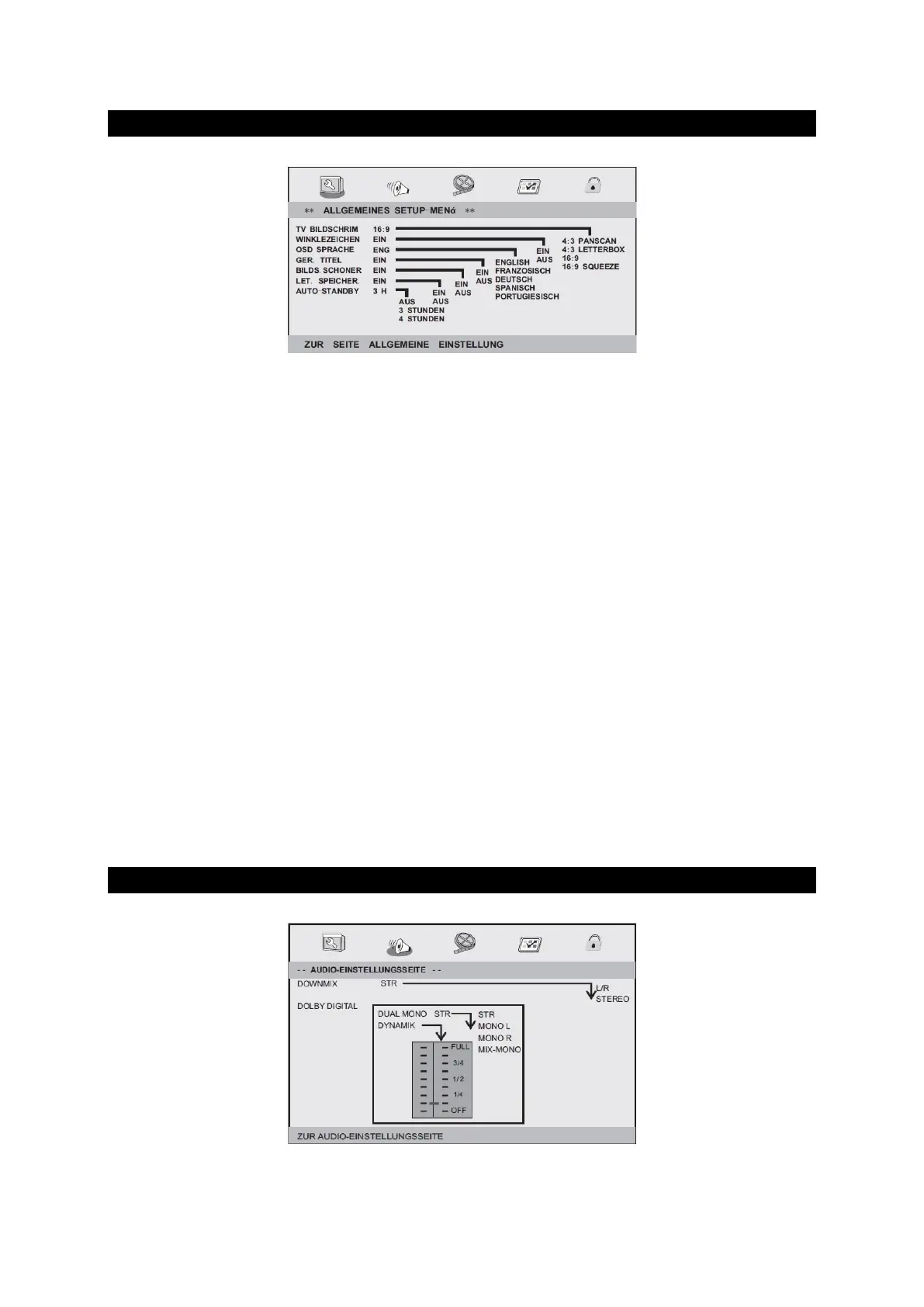
General setup page
DISPLAY FORMAT
Selects the aspect ratio of the image playback. Adjust the aspect ratio of the desired setting.
The following settings are available:
4: 3 PANSCAN / 4: 3 LETTER BOX / 16: 9 / PILLOWBOX
ANGLE MARK:
Displays the current angle setting information in the right corner of the TFT screen, if
available on the disc.
SCREEN LANGUAGE:
Sets the language of menus and displays on the screen.
SUBTITLE FOR HARD HEARING
If present on the DVD, the output of invisible subtitles output in the image sets. Your TV
needs a subtitle decoder. Usually only available on US DVDs.
SCREEN SAVER:
Set the screen saver On or Off.
AUTO STANDBY:
Sets the time after which the unit should automatically go into standby mode.
Off: Auto Standby is disabled and the device stays.
On 3 hours / 4 hours: The device switches to standby mode after 3 or 4 hours if the
device is not operated within this time.
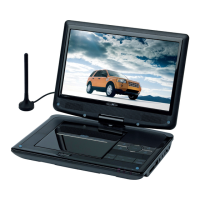
AUDIO SETUP PAGE
Audio setup page


 To Next Page