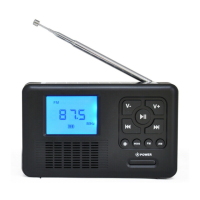
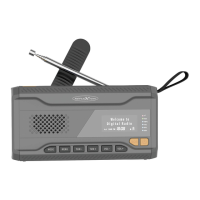
10
BASIC FUNCTION
TURN ON A DEVICE:
To switch on the device, press the "MODE (1)" button.
TURN OFF THE DEVICE:
To switch off the device, press and hold the "MODE (1)"
button for approx. 3 seconds.
SELECT OPERATION MODE:
Press the "MODE (1)" button to select the operating mode.
The following operating modes are available:
FM (UKW) / DAB
ADJUSTING THE VOLUME
Press the "VOLUME - / + (6/7)" button on the unit to
increase or decrease the volume.
USE A HEADPHONES
To use a headset (not included
). Plug the headset jack into
the rear 3.5mm "HEADPHONE JACK (14)".
The speaker of the device is automatically deactivated.


 To Next Page