REFUone 3K-2T …7K-2T
35
4.7
WiFi Communication
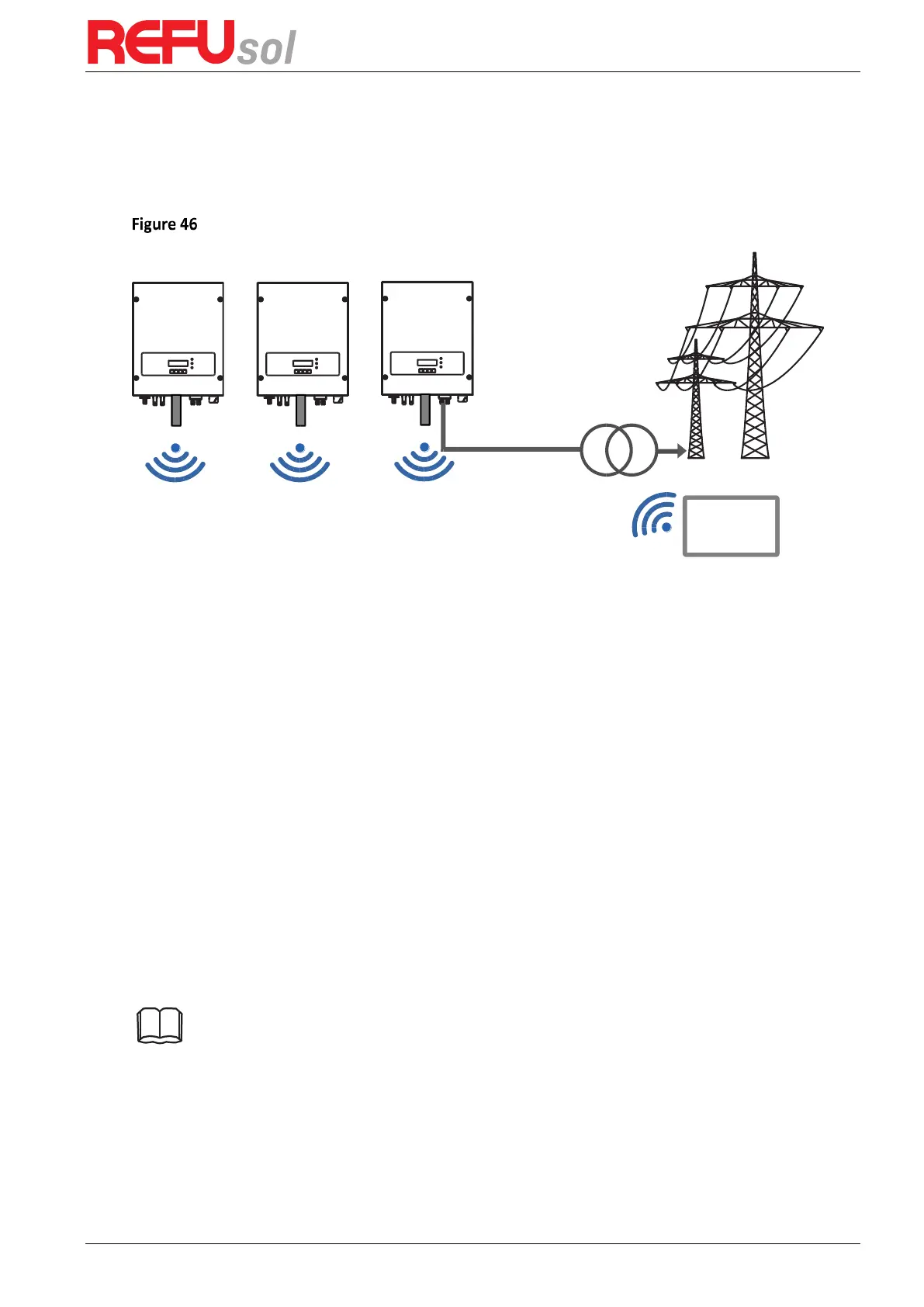
The REFUone grid-connected inverters offer Wi-Fi communication modes as standard.
Refer to the figure shown below:
The operation information (generated energy, alert, operation status) of the inverter can be
transferred to the REFUlog monitoring portal via WiFi.
4.7.1
Configuration of WiFi Stick with PC
Preparation:
The WiFi Stick is installed according to section 4.6 and the REFUone Inverter must
be running.
Follow the following steps to configure the WiFi stick:
Step 1
: connect your PC with WiFi network to the Access Point of the WiFi stick. The name of
the WiFi is “AP” followed by the serial number of the WiFi Stick (see type label)
If you are asked for a password, read it from the WiFi Stick label at PWD
Step 2
: Open an internet browser, and enter the address
10.10.100.254
Recommended browsers: Internet Explorer 8+, Google Chrome 15+, Firefox 10+
Step 3
: Fill in username and password, both of which are “admin” as default. The Status page
opens
Step 4
: Click “Wizard” to configure how the WiFi Stick can access your internet gateway.
Result: the WiFi Stick will start to send monitoring data to REFUlog.
Note: Please refer to the detailed instructions delivered with the WiFi stick.


 To Next Page