IN USE
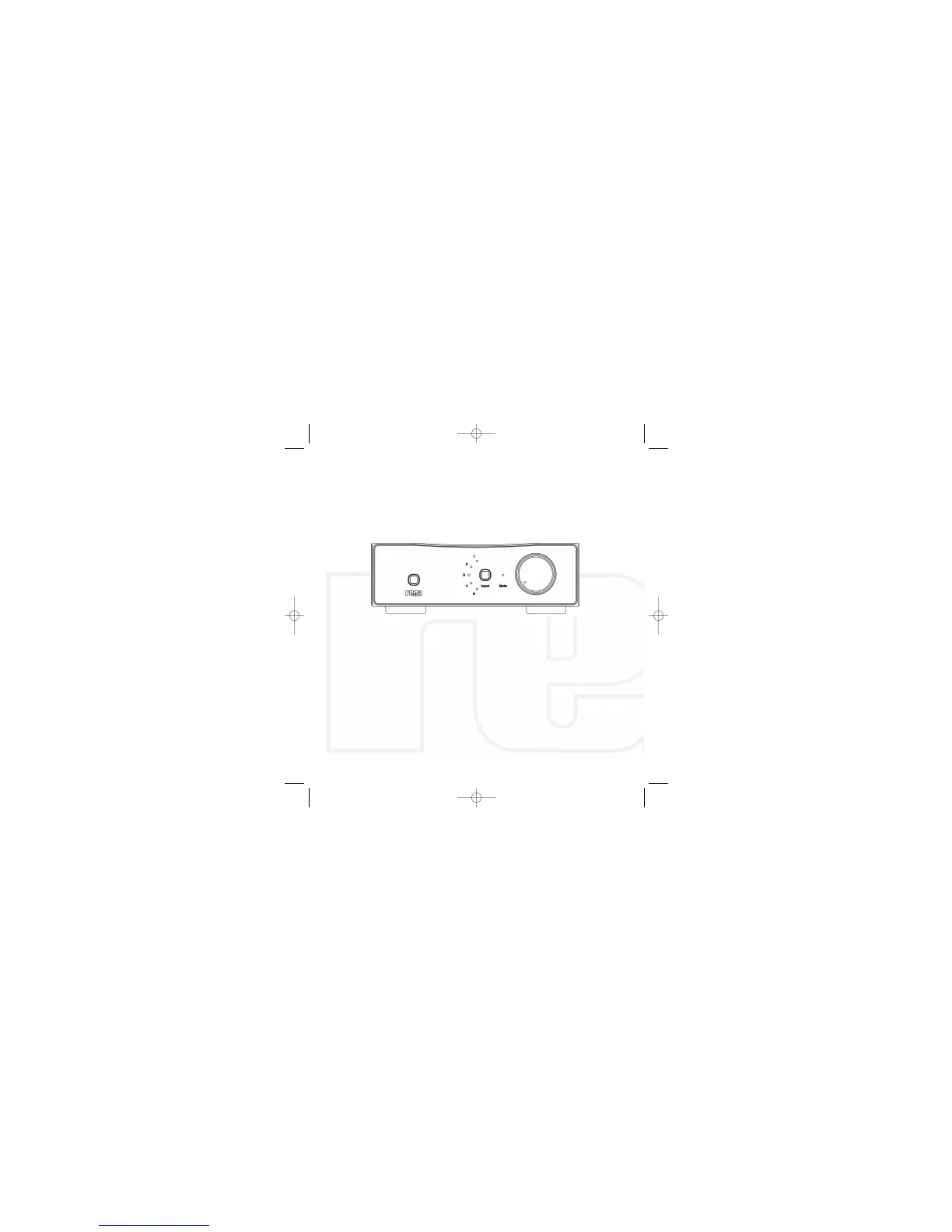
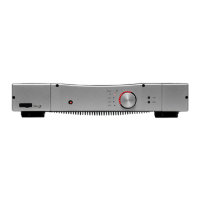
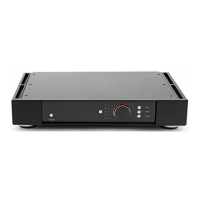
Switch the Brio-
R
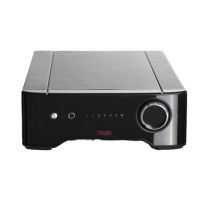
on by pressing the power button located on the left hand
side of the front panel above the Rega Logo. After a few seconds you will hear
a gentle click indicating the switch on relay has been released and the amplifier
is ready for use.
INPUT SELECTION
To change between inputs simply press the button marked ‘input’ to cycle
through from 1 to 5.(This button can be held down to cycle quickly).
The selected input is highlighted by the corresponding red LED. Input selection
can also be changed via the supplied remote control handset.
7


 To Next Page