11
12
TROUBLESHOOTING
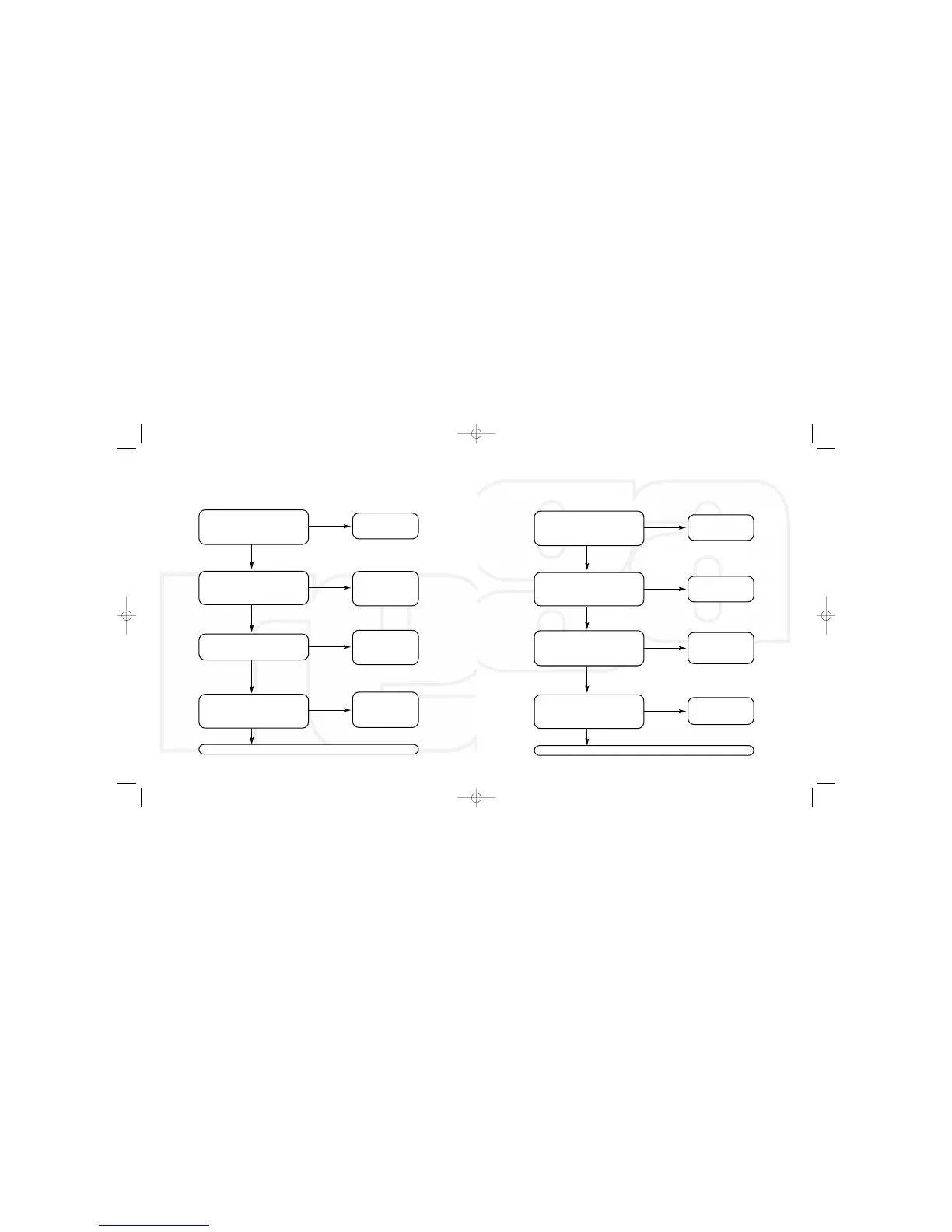
No power - no LED’s illuminated
Is the mains supply connected and the socket
switched on?
Is the front panel on/off switch fully
depressed?
Has the fuse in the mains plug blown?
In the mains socket live?
(plug in another appliance to check)
Replace with the same
rated fuse
Check household fuse or
contact an electrician
Correct the fault (contact
Rega dealer if faulty)
Contact your Rega dealer
Are the output connections
connected correctly?
Are the matching inputs on the amplifier
correclty selected?
Is the correct input on the DAC selected and
the input locked LED illuminated?
Check connected digital product is
working properly
Select correct input
on the DAC
Correct the fault
Check setup and settings
Contact your Rega dealer
TROUBLESHOOTING
Power ON - No output
Correct the fault
Correct the fault
No
No
No
No
Yes
Yes
Yes
Yes
No
No
Yes
No
Yes
Yes
No
Yes


 To Next Page