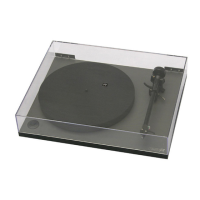
Setting tracking force
With the cartridge fitted and aligned
using the protractor supplied, set the
tracking force dial and bias
adjustment shaft to zero. Adjust the
balance weight along its shaft until the
stylus is "floating" just clear of the
record. (N.B. it's quite normal for the
tonearm to swing away from the
centre of the record by itself. This is in
the main caused by very low friction
bearings.)
Return the tonearm to it's rest, and
the tracking force can now be applied
by setting the tracking force dial to the
upper limit of the cartridge
manufacturers recommended range,
taking note of the mark on the
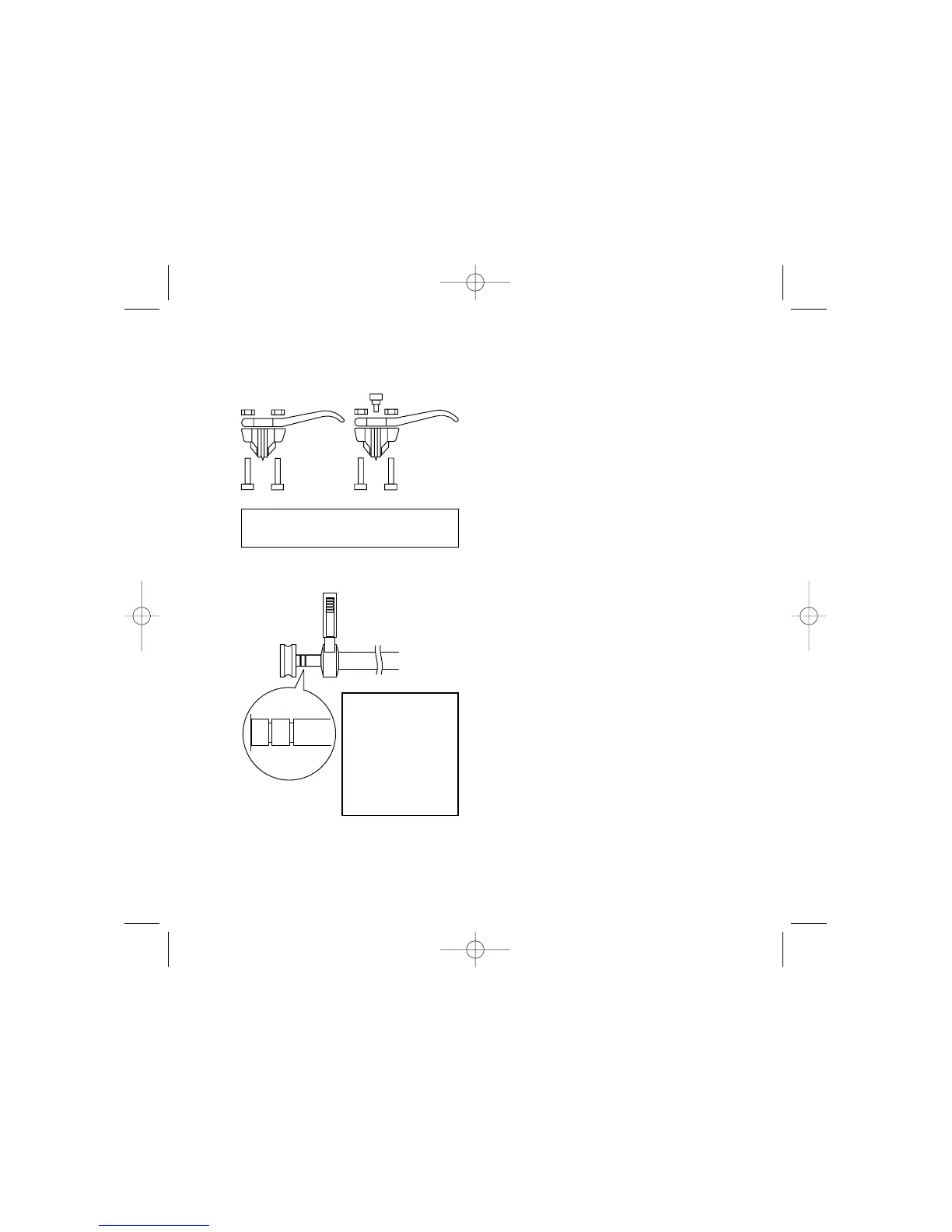
tonearm. Set the bias adjustment
shaft to the same number as the
tracking force dial i.e. 1.75g tracking
force for Rega cartridges = 1.75g on
the bias shaft (see left).
8
Setup
Bias adjustment
Grooves on the bias shaft
indicate bias weight in
Grams. When fully
extended, bias
adjustment is at 0g. Push
in to the first mark for 1g
and to the second for 2g.


 To Next Page