16
OPERATION - SETTING THE MEMORY PRESETS
To set the Memory A and/or Memory B
presets, perform the following steps:
1
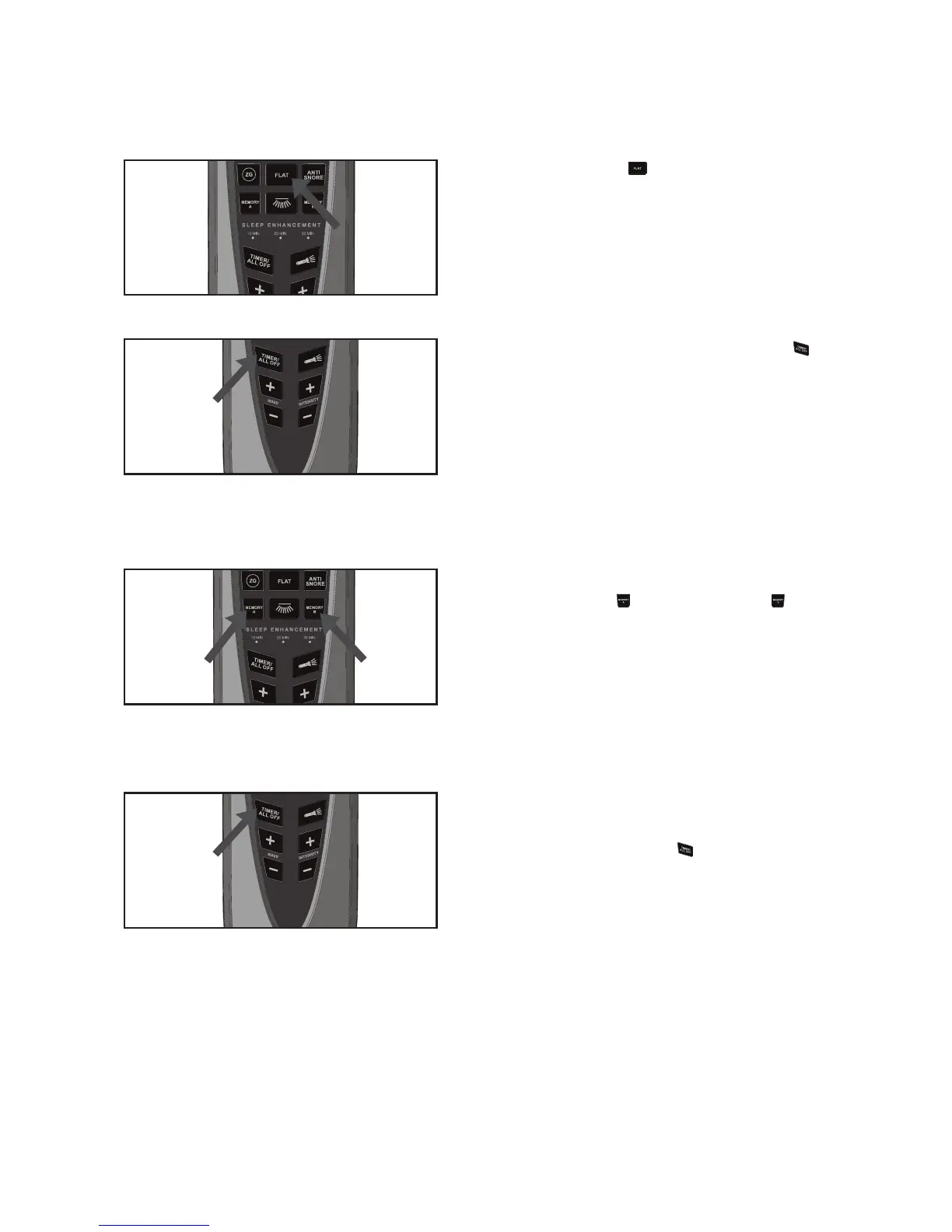
Press the Flat ( ) button so the bed
is flat.
2
Adjust the head and feet positions as
desired.
3
Press and hold the TIMER/ALL OFF ( )
button until the remote’s backlight starts
blinking (approximately three seconds),
then release the button.
4
Press the desired button to memorize:
MEMORY A ( ) or MEMORY B ( );
the backlight will stop blinking to confirm
that the memorizing was successful.
5
To restore the Memory Presets to
their factory positions, press and hold
the TIMER/ALL OFF ( ) button for
approximately six seconds; the remote’s
backlight will blink after three seconds,
and then turn off after another three
seconds to confirm that the remote
was reset.



 To Next Page