145
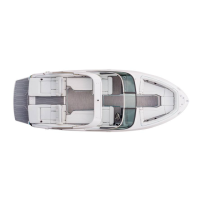
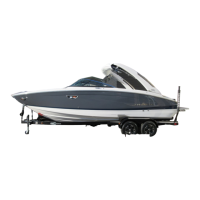
Seakeeper (Typical) LX6
If installed, the Seakeeper 1 unit uses gyroscopic
principles to reduce boat motions in waves
and wakes independent of boat speeds. A
typical unit consists of a Gyro assembly, a CAN
communications cable, and displays.
The Seakeeper unit is located under the center
Lazarette storage area of your vessel. The unit’s
cycling is regulated by an electronic controller
and a hydraulic brake throughout each roll cycle
as to supply maximum anti-roll torque and limits
mechanical contact with the hard stops that limit
the gimbal angle travel. Seakeeper operates from
12 volt DC (direct current) and the unit is part of the
accessory house battery circuitry. A dedicated
80 amp breaker at battery management panel.
Seakeeper Display
The main display is located in the Lazarette area for
more specific maintenance/programming needs.
To use the Lazarette display do the following:
After 12 volt power is present the Seakeeper screen
will energize and a home screen will appear. Here
the ON/OFF touch screen button will appear grey
(OFF). Once the button is pressed it will change to
blue (ON) and menu button is used.
An auxliliary Seakeeper display is used for basic
operation and shutdown at the Garmin helm chart
plotter. The display provides information only in
the event of an alarm. Select alarms can cause
precession to stop and start the unit to coast
down. Note that alarms can only in addressed at
the Lazarette MFD located panel.
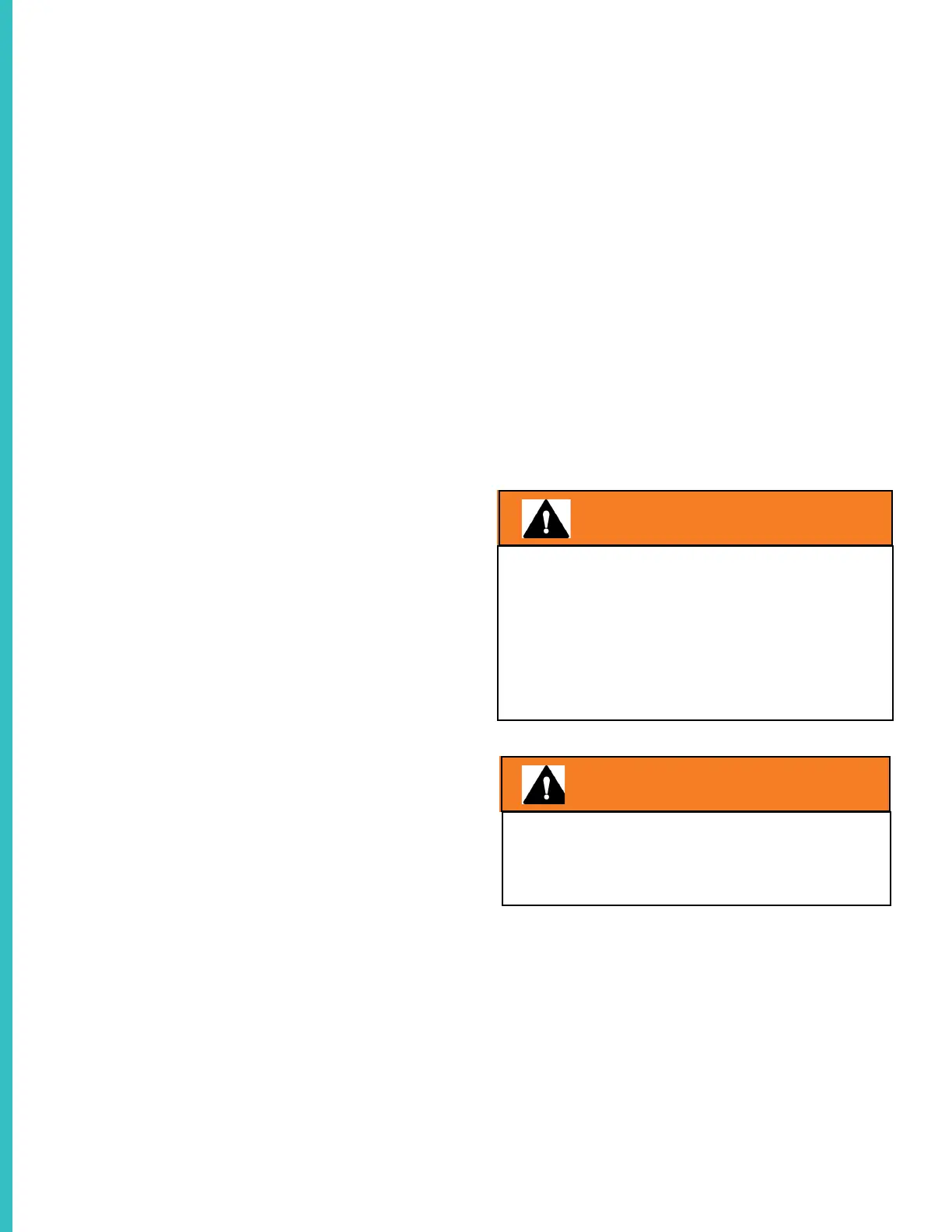
AVOID SERIOUS INJURY!
ENSURE ALL BODY PARTS & CLOTHING
ARE KEPT CLEAR OF THE SEAKEEPER
WHILE IT IS CYCLING.
WARNING
WARNING
AVOID SERIOUS INJURY!
DO NOT REMOVE THE COVERS FROM
THE UNIT OR CONTACT ANY PARTS
WHILE THE UNIT IS PRECESSING.
MAINTENANCE SHOULD NOT BE DONE
UNLESS THE SEAKEEPER IS LOCKED AND
FLYWHEEL HAS STOPPED SPINNING.
To use the Seakeeper helm display the Garmin
chartplotter needs to be activated. The home
screen will appear. Choose the AV/Gauges dis-
play. The Seakeeper tab will appear. Activate the
Seakeeper tab. Press the power button and it will
turn color. A progress bar will appear and indicate
the length of time before the Seakeeper unit is
available for stabilization. Once the unit is iniialized
and up to stabilization RPM the STABILIZE button
will illuminate and pustate. At this point the stabili-
zation cycle is started by pressing the STABILIZE
button.
For further detailed information on Seakeeper 1
refer to the Seakeeper operator’s manual or the
manufacturer’s web-site.
See Chapter 8 for recommended Seakeeper sys-
tem maintenance plan and schedule.


 To Next Page
 Loading...