FPI FireGenie
TM
Remote Control Manual 7
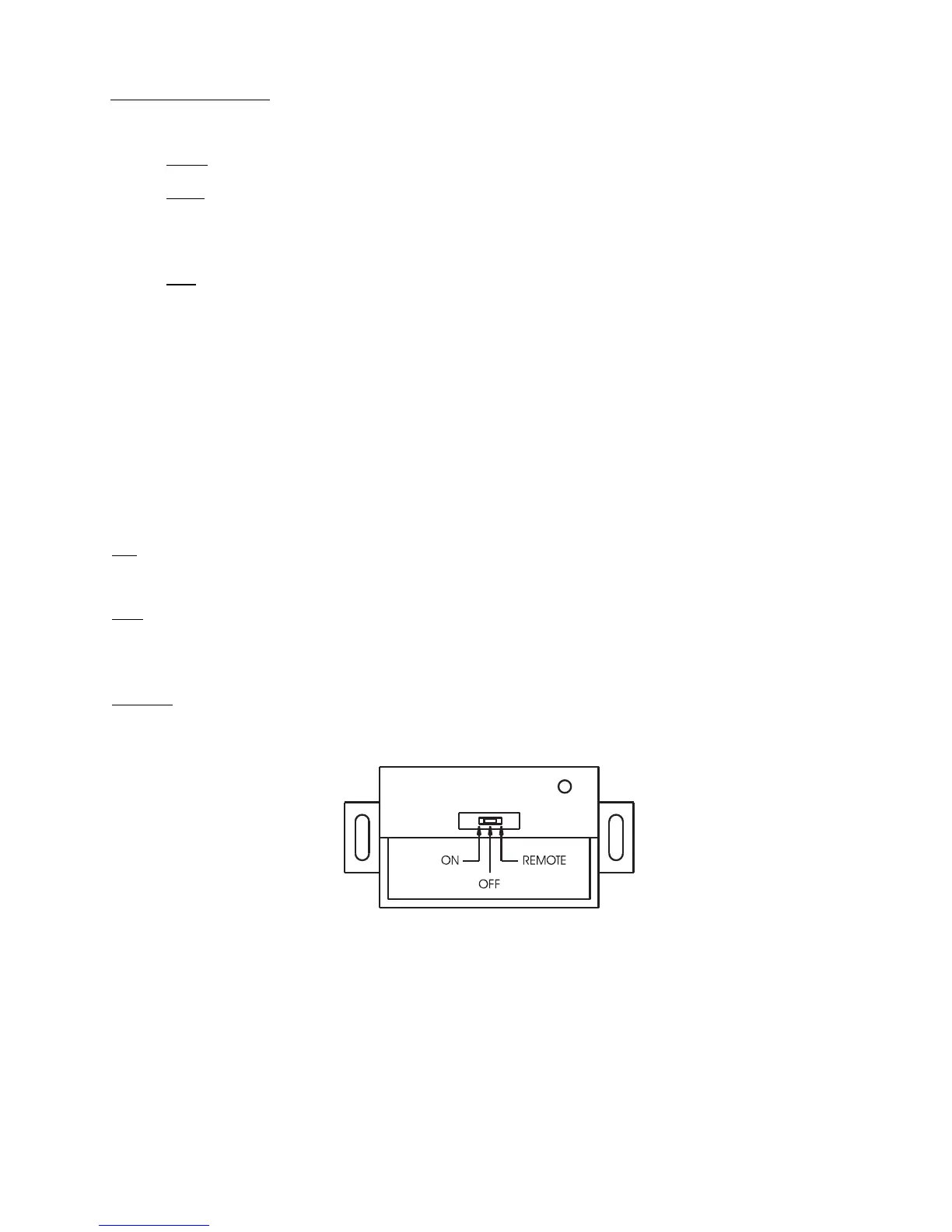
RECEIVER OPERATION
The Remote Receiver has 3 operating modes, namely ON, OFF and Remote. The operating mode is
selected by means of a slide switch on the front panel of the Receiver.
ON: When “ON” Mode is selected, the fl ame will turn ON.
OFF: When “OFF” Mode is selected, the fl ame will turn OFF. However, the unit can be turned ON
or OFF with the standard ON/OFF switch.
Remote: When Remote Mode is selected, the Receiver will turn the fl ame ON or OFF depending on
the setting of the Remote Control.
Receiver
Setting Time & Day
Note: The Remote Control Keypad must be “ON” in order to set the Time & Day.
Time
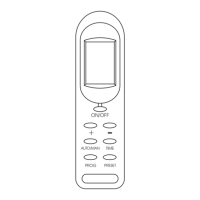
Press and hold the “TIME” button for 2 seconds and then use the “+” button to set the hour and
use the “-” button to set the minute.
Day
Press the “TIME” button again and use the “+” or “-” button to set the day.
Press the “TIME” button once more to record the setting.


 To Next Page