APP Download Guide:
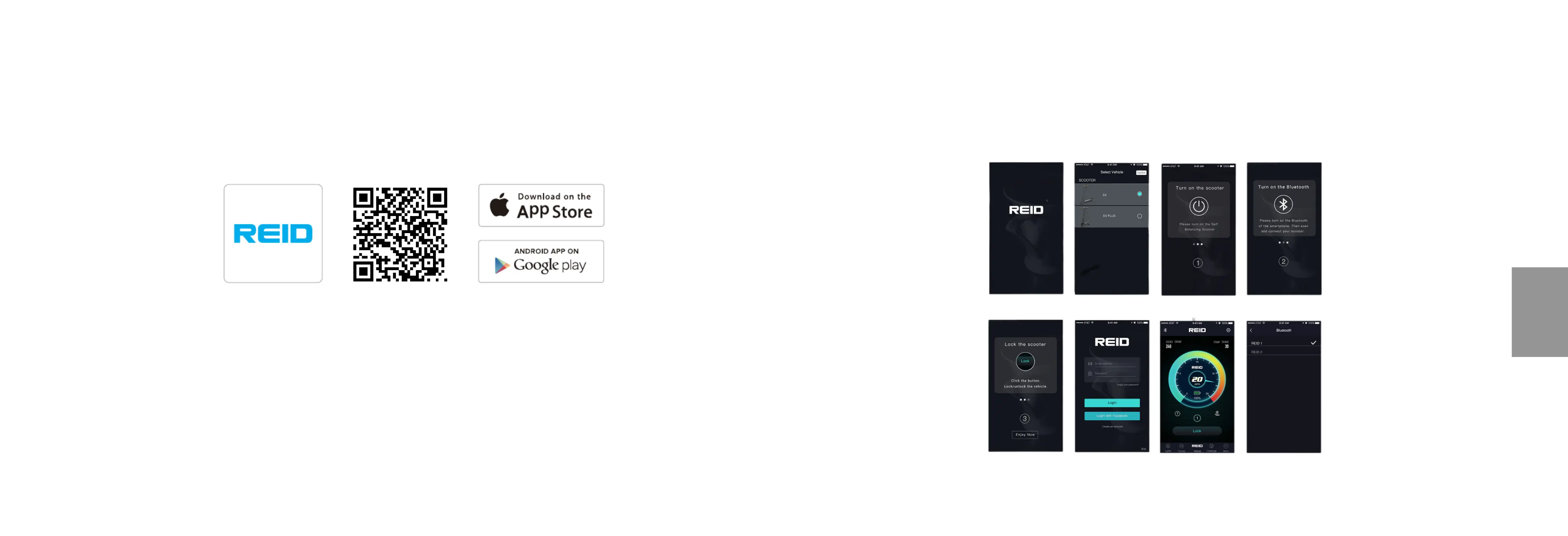
The Reid eMobility app is available to download in the App Store and Google Play. You can also scan
the QR code below to download and install the app.
Bluetooth password: 000000
Pairing Your eScooter
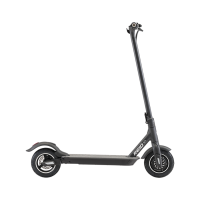
To pair your phone to your eScooter, please download the app and follow these instructions: Open the app,
select the model of your scooter, create and account with us and then click the Bluetooth button in the top left
hand corner of the main screen. Chose your device and enter the password: 000000, you are now connected.
33 34
APP INTEGRATON


 To Next Page