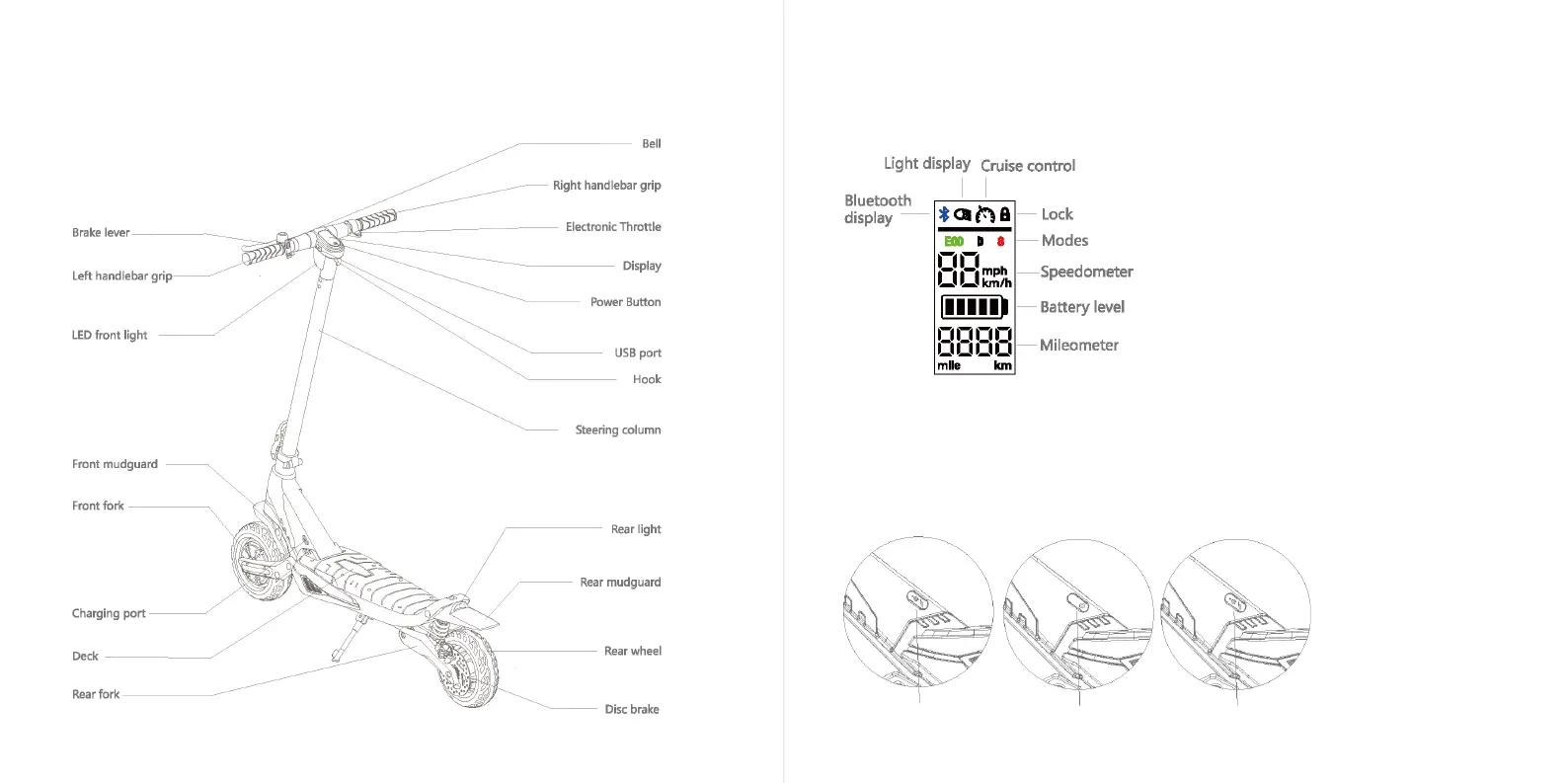
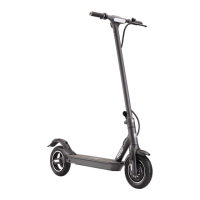
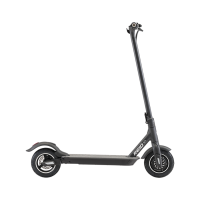
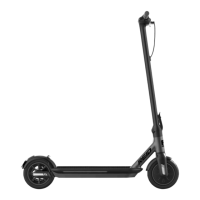
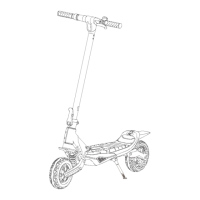
2. COMPONENTS 3. DISPLAY & SWITCH
4. CHARGING
Bluetooth display: The icon indicates the scooter
has been connected with the mobile device.
Light display: Headlight is on.
Cruise control: The icon indicates the scooter is
in cruise control status.
Lock: The icon indicates the scooter is locked
Modes: Three modes available
“ECO” for energy saving mode
“D* for standard mode
“S" for sport mode
Speedometer: Show current speed.
Battery level: Show the battery's remaining
power by five bars.
Each represents around 20% of the full battery
capacity.
Mileometer: Total mileage after the ride.
Open the rubber cover
of the charging port
Insert the
charge plug
Fasten rubber cover
after charging
2
3


 To Next Page