EasyManua.ls Logo

Rejuvenation Raven - User Manual

Rejuvenation Raven
21 pages
Print Icon
To Next Page IconTo Next Page
Loading...
OWNERS MANUAL
READ AND SAVE THESE INSTRUCTIONS
Net Weight 19.99 lbs (9.07 kgs)
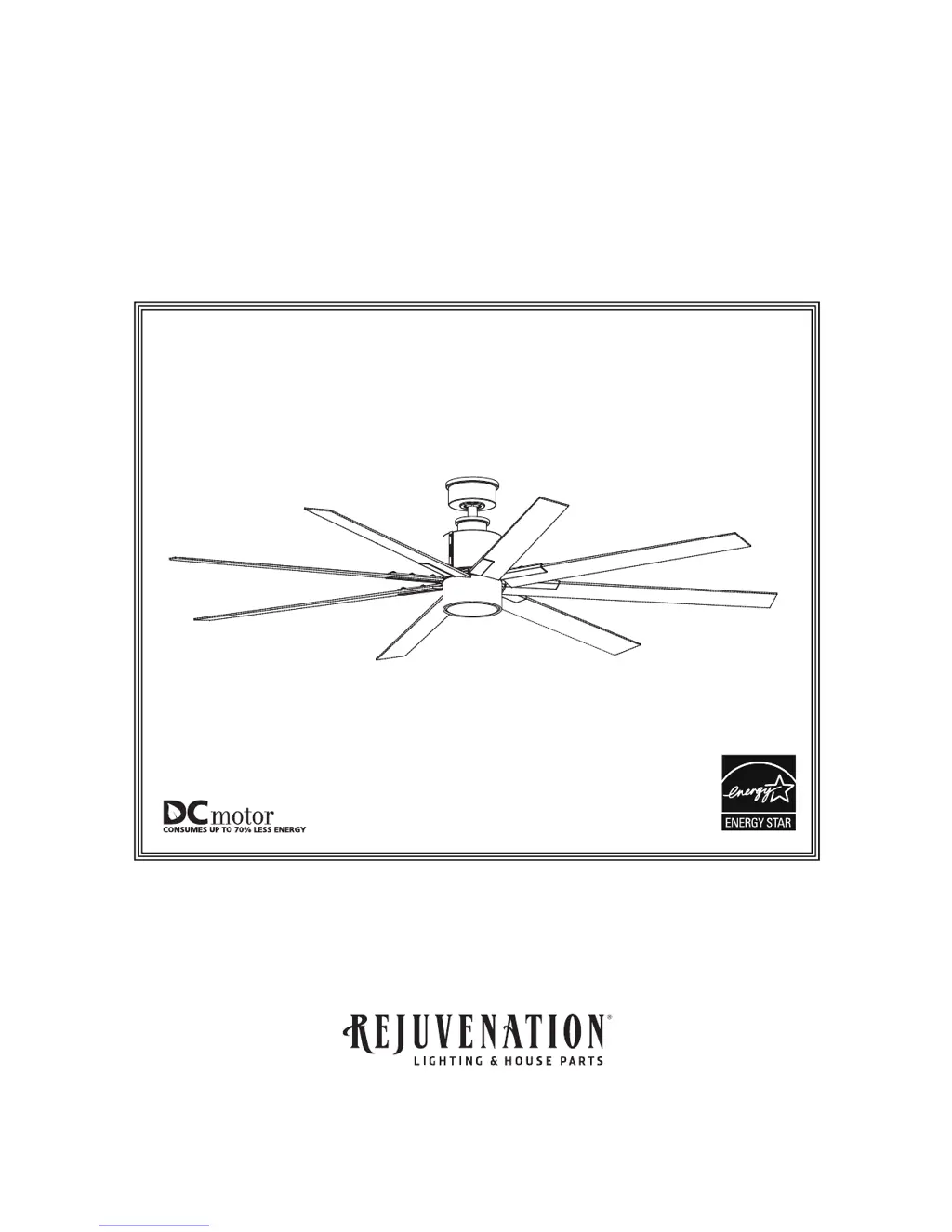
Ceiling Fan
The Raven

Questions and Answers

  • R
    rangelwilliamAug 3, 2025
    What to do if my Rejuvenation Raven will not start?
    • M
      Megan AndersonAug 3, 2025
      If your Rejuvenation Fan isn't starting, there are several potential causes. First, check the main and branch circuit fuses or circuit breakers. Second, examine the line wire connections to the fan and switch wire connections in the switch housings, making sure the main power is turned off. Lastly, if your fan uses a remote, replace the battery in the remote control.
  • X
    xatkinsonAug 12, 2025
    Why is my Rejuvenation Raven so noisy?
    • L
      Larry LopezAug 12, 2025
      A noisy Rejuvenation Fan can be caused by several factors. Check the following: 1. Ensure the blades are properly attached to the fan. 2. Make sure all screws in the motor housing are snug, but not over-tight. 3. Verify that the screws securing the fan blade holders to the motor hub are tight. 4. Confirm that wire connectors inside the switch housing are not rattling against each other or the housing's interior wall, ensuring the main power is off. 5. If you're using a solid-state variable speed control, consider that some fan motors are sensitive to these signals; an alternative control method is recommended. 6. Tighten the screws holding the blades to the blade holders securely.
  • M
    Maria ChungAug 21, 2025
    How to fix a Rejuvenation Raven that wobbles excessively?
    • J
      Jacob MoralesAug 21, 2025
      Excessive wobbling in your Rejuvenation Fan can be due to several issues: * Ensure the setscrew and nut in the downrod support are tightened securely. * Tighten the setscrew in the downrod/hanger ball assembly. * Make sure the groove hanger ball is lined up with the tab. * Check that the screws securing the fan blade holders to the motor hub are tight. * Verify the fan blade holders seat firmly and uniformly to the motor housing surface; if not, loosen and retighten the screws. * Tighten the hanger bracket screws to the outlet box and secure the outlet box. * Try interchanging the position of fan blades to redistribute weight, for example, exchange blades in positions 1 and 3 or 1 and 4. If this doesn't improve wobble, exchange 2 and 4.

Summary

Important Safety Instructions

Additional Safety Instructions

Electrical and Structural Requirements

Low Profile Outlet Box Mounting

Describes a 1/2-in.-deep pancake box for mounting outlet boxes.

Deep Outlet Box Mounting

Describes a 2-1/4-in.-deep box for mounting outlet boxes between joists.

Electrical and Structural Requirements (Continued)

Deep Box with Brace Mounting

Describes a brace for deep boxes spanning between joists.

How to Assemble Your Ceiling Fan

How to Assemble Your Ceiling Fan (continued)

How to Hang Your Ceiling Fan

Hanger Bracket Attachment

Mount the hanger bracket securely to the outlet box.

How to Wire Your Ceiling Fan

Connecting Fan Wires

Make wire connections using supplied connectors as per diagram.

How to Install Your Canopy Housing

How to Assemble Your Fan Blade

Blade Holder to Blade Attachment

Attach blade holders to fan blades using screws.

How to Assemble Your Fan Blade (Continued)

Blade Holder to Motor Hub Attachment

Secure blade holders to the fan motor hub using screws and washers.

How to Assemble Your Light Kit Assembly

How to Assemble Your Light Kit Assembly (Continued)

LED Assembly Wiring Connection

Connect LED assembly wiring to the motor assembly wiring.

How to Operate Your Ceiling Fan

Remote Control Pairing Process

Instructions for synchronizing the remote control with the fan.

How to Operate Your Ceiling Fan (continued)

How to Install Your Remote Control

Trouble Shooting

Fan Will Not Start

Addresses issues where the fan fails to power on.

Fan Sounds Noisy

Helps diagnose and resolve excessive noise from the fan.

Fan Wobbles Excessively

Provides solutions for significant fan blade wobble.

Rejuvenation Raven Specifications

General IconGeneral
BrandRejuvenation
ModelRaven
CategoryFan
LanguageEnglish

Related product manuals