EasyManua.ls Logo

Rejuvenation The Falcon - User Manual

Rejuvenation The Falcon
36 pages
Print Icon
To Next Page IconTo Next Page
Loading...
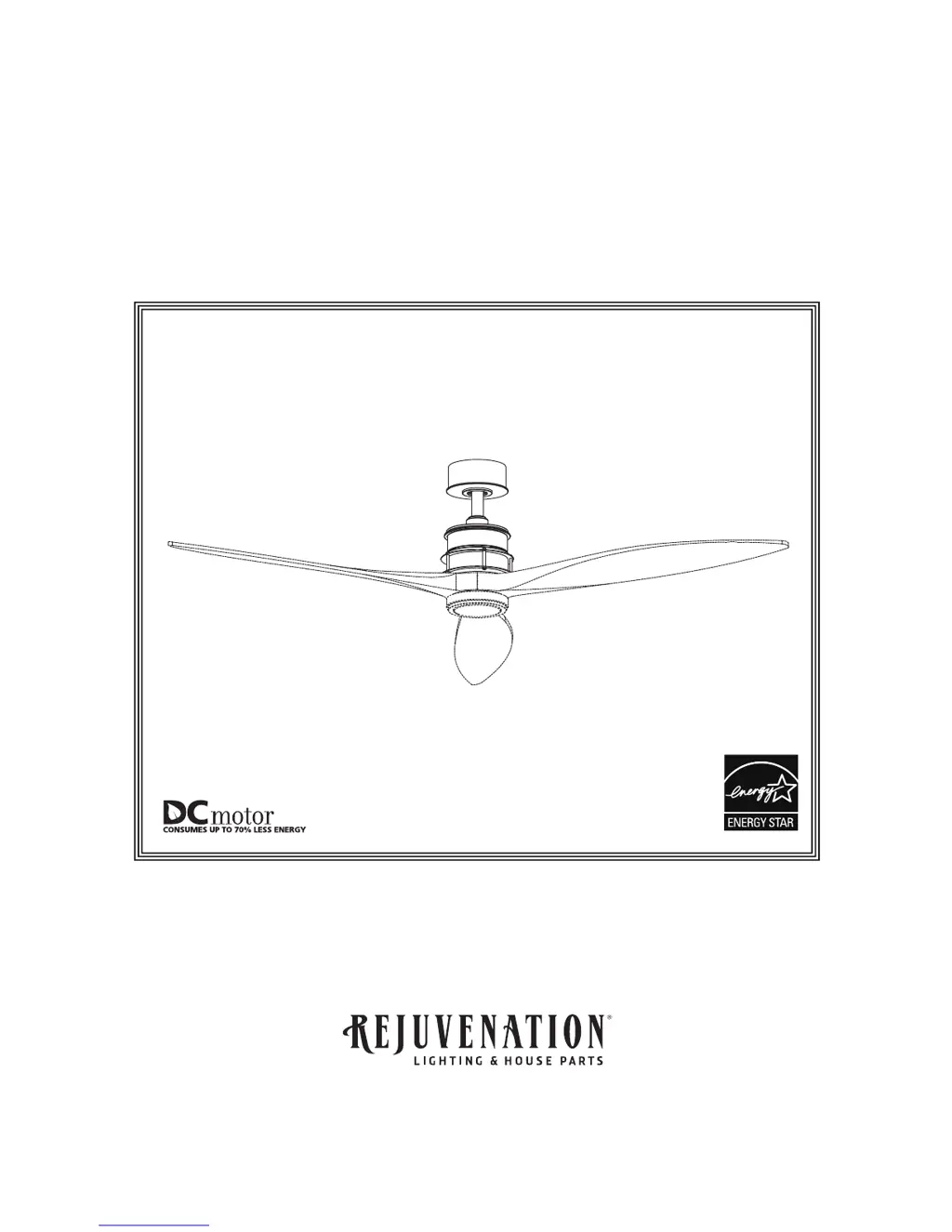
OWNERS MANUAL
READ AND SAVE THESE INSTRUCTIONS
Net Weight 12.93 lbs (5.87 kgs)
Ceiling Fan
The Falcon

Questions and Answers

  • S
    sarah00Aug 2, 2025
    What to do if my Rejuvenation The Falcon will not start?
    • S
      Sandra ClarkAug 3, 2025
      If your Rejuvenation Fan isn't starting, there are several potential causes to investigate: * Check the main and branch circuit fuses or circuit breakers. * Inspect the line wire connections to the fan and switch wire connections in the switch housings, ensuring that the main power is turned off before doing so. * Replace the remote control battery with a fresh one.
  • B
    barnesjasmineAug 9, 2025
    Why is my Rejuvenation The Falcon so noisy?
    • R
      Robert GarnerAug 9, 2025
      A noisy Rejuvenation Fan can be caused by several factors: 1. Ensure the blades are properly attached to the fan. 2. Check and tighten any loose screws in the motor housing, being careful not to overtighten them. 3. Make sure the screws securing the fan blade holders to the motor hub are tight. 4. Verify that wire connectors inside the switch housing aren't rattling against each other or the housing's interior wall. Remember to turn off the main power before checking. 5. If you're using a solid-state variable speed control, it may be causing motor noise. Consider using an alternative control method.
  • H
    Heather ReedAug 17, 2025
    How to fix a Rejuvenation The Falcon that wobbles excessively?
    • N
      Nathan WangAug 17, 2025
      Excessive wobbling in a Rejuvenation Fan can often be corrected by addressing these potential issues: * Ensure the setscrew and nut in the downrod support are securely tightened. * Tighten the setscrew in the downrod/hanger ball assembly. * Check that the fan blade holders or blade plate seat firmly and uniformly to the surface of the motor housing. If seated incorrectly, loosen and retighten the screws. * Tighten the hanger bracket screws to the outlet box and ensure the outlet box is securely fastened. * Try interchanging the position of fan blades to redistribute the weight. For example, exchange blades in positions 1 and 3 or 1 and 4. If this does not improve wobble, exchange 2 and 4.
  • T
    Thomas JacksonAug 26, 2025
    What to do if my Rejuvenation Fan doesn't have enough air movement?
    • K
      Kelly BowersAug 26, 2025
      If your Rejuvenation Fan isn't providing enough air movement, consider using a longer downrod, which can be purchased from rejuvenation.com.

Summary

Important Safety Instructions

Additional Safety Instructions

Unpacking Instructions

Energy Efficient Use of Ceiling Fans

Choosing the Appropriate Mounting Location

Details optimal placement for ceiling fans to maximize airflow and energy savings.

Turn Off When Not in the Room

Advises turning off the fan when the room is unoccupied to save energy.

Using the Ceiling Fan Year Round

Explains how to use the fan in summer (counter-clockwise) and winter (clockwise) for optimal comfort and energy savings.

Electrical and Structural Requirements

Low Profile Usage Diagram (Figure 1)

Illustrates a low-profile outlet box installation method attached to a joist or block.

Deeper Profile Usage Diagram (Figure 2)

Shows a deeper outlet box installation attached to blocking between joists for more space.

Electrical and Structural Requirements (Continued)

Deep Box with Brace Diagram (Figure 3)

Depicts a deep outlet box with a brace spanning between joists for support.

How to Assemble Your Ceiling Fan

How to Hang Your Ceiling Fan

How to Wire Your Ceiling Fan

Installing the Canopy Housing

Assembling the Trim Cover

How to Operate Your Ceiling Fan

Dimmer Switch Warning

Warns against using full-range dimmer switches, which can damage the fan.

Remote Control Pairing and Operation

Guides on pairing the remote and using its functions for fan speed and direction.

How to Operate Your Ceiling Fan (continued)

Dip Switch Settings and Safety Features

Explains dip switch settings for light dimming and the fan's safety features like obstruction shutdown.

Maintenance

Periodic Cleaning and Screw Checks

Recommends regular light dusting and checking screw tightness for fan upkeep.

How to Clean Your Ceiling Fan Blades

Falcon Parts List

How To Order Parts

Falcon Exploded-View Illustration

Light Kit Optional

Fan Blade Optional

Semi Flush Mount Kit Optional

Trouble Shooting

Rejuvenation The Falcon Specifications

General IconGeneral
Number of Blades3
Blade ColorWalnut
Blade MaterialWood
Voltage120V
Frequency60 Hz
MountingCeiling

Related product manuals