Operational Instructions:
1.
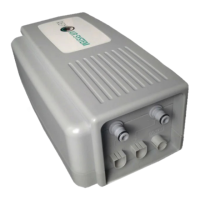
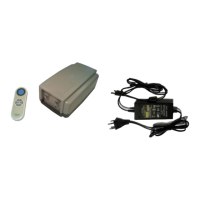
Power on by connecting power source into outlet and plugging opposite end into the pump
input receiver. Pump LED light will show red for 30 seconds after initial start. When the LED
light turns green; this means the pump is working and communicating with remote.
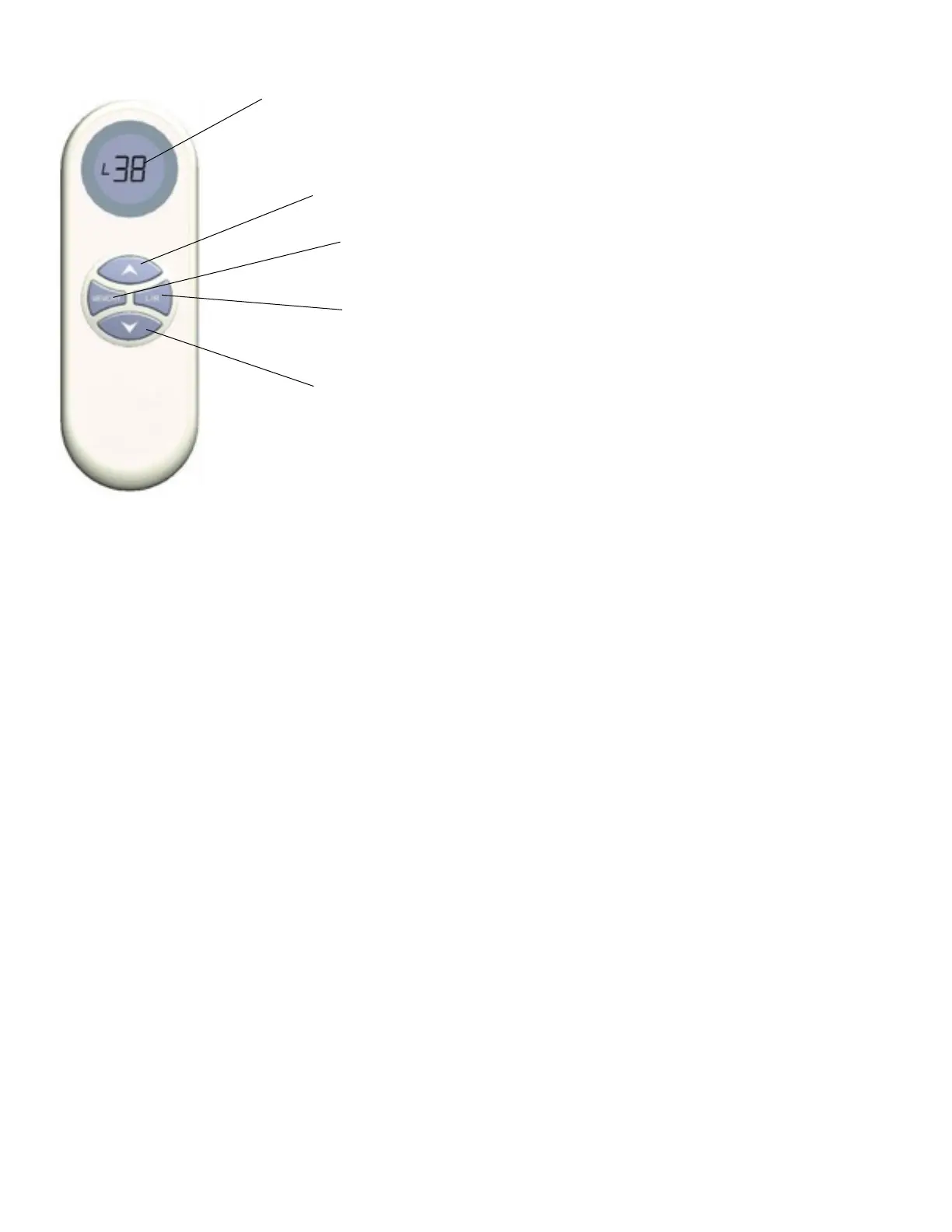
2. To activate remote press any button on RC. The LCD screen will light up and turn off after 10
seconds of not being used.
3. For inflation and deflation: Press L/R button to choose which side of mattress to inflate/
deflate. When inflating the numerical reading will increase on a scale of 0-60 (True Scientific
Read Scale) Once the desire air pressure is reached press any key to stop inflation or deflation.
4. Memory Value: The memory function allows the user to find a desired air pressure and
return to the set pressure at the press of a button. To do so, choose which side of the mattress
to wish to inflate/deflate. Press the “Memory” button. The pump will then inflate or deflate to the
defaulted setting (factory default setting is 25mbar or 37 numerical value)
5. Memory Save: To save a memory setting of your choice; Inflate or deflate your mattress to
your desired pressure. Once the pump has stopped at the desired comfort number, hold down
the Memory button for 3 seconds. The LCD screen will show “Memory” and then flash “Save.”
The data is then memorized and your new memory setting is established. (You can save a
different memory setting for each chamber in a dual chamber mattress.


 To Next Page