6
ADJUSTING THE TRIM LENGTH
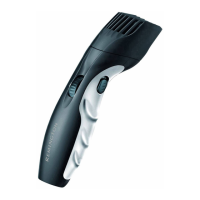
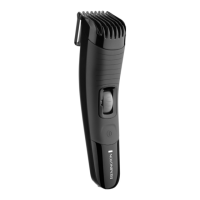
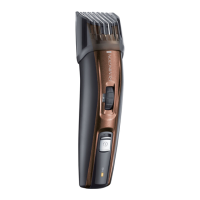
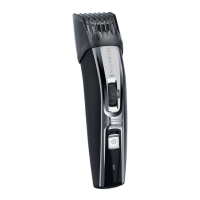
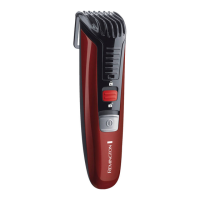
• The trimmer comb can be adjusted to give you 9 dierent trim lengths simply by
turning the wheel to the desired setting.
• Turn the wheel clockwise for shorter length, anti-clockwise for longer length.
• The wheel will click into place as it reaches each setting and the setting number will
appear on the length position indicator.
Setting Description Hair length
mm inch
1 Stubble or cropped look 1.5 0.06
2 2.5 0.1
3 Short 4 0.16
4 5.5 0.22
5 Medium 7 0.28
6 9 0.35
7 11 0.43
8 14 0.55
9 Long 18 0.71
Note: trimmer comb must be attached to the product in order to use the hair length
selector.
TO THIN AND TAPER THE BEARD/MOUSTACHE
1. Fit the adjustable comb.
2. Use the zoom wheel to set the comb to the desired length setting.
3. The setting will appear on the length position indicator. If you are trimming for the
rst time start with the maximum trimming length setting.
4. Turn the unit on.
5. Place the at top of the trimmer comb against the skin.
6. Slowly slide through the hair. Repeat from dierent directions as necessary.
7. If hair builds up in the trimmer comb during the trimming process, switch the unit
o, pull the comb and brush the hair o.
Note: Use the beard trimmer without the adjustable comb for trimming hair close to the
skin. This will trim hair to 1mm, holding the blades perpendicular to the skin will trim hair
to 0.4mm.



 To Next Page
 Loading...