2
ENGLISH
GETTING STARTED
For best shaving performance, it is recommended that you use your new shaver daily
for up to four weeks to allow time for your beard and skin to become accustomed to
the new shaving system.
CHARGING YOUR SHAVER
Always ensure that your hands, shaver and power cord are dry before charging your
shaver.
Ensure the shaver is switched off. Connect the shaver to the adapter (Fig. A), then to the
mains (Fig. B) and charge for at least 24 hours when using for the first time (Fig. C).
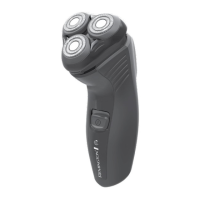
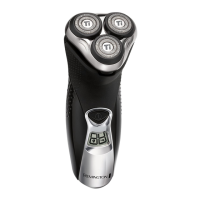
R7130 – Place your shaver in the charging stand, connect the charging adaptor to the stand
and then to the mains.
Charge for at least 24 hours when using for the first time.
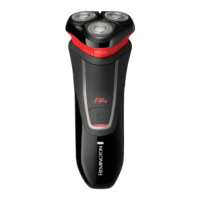
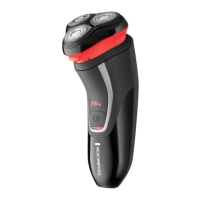
After the shaver batteries are fully charged, the green indicator light will blink (R4130),
the fuel gauge (R5130) or the LCD display (R6130/R7130) will indicate the shaver is fully
charged.
Use product until the battery is low. This is indicated by illuminated red light or the LCD
display.
Fully recharge for 24 hours every 6 months to maintain battery condition.
When empty, the battery will be fully charged around 90 minutes for the R5130, R6130,
R7130, and around 24 hours for the R4130.
The shaver adapts automatically to a mains voltage between 100V and 240V.
ENGLISH
Feature
R4130 R5130
R6130 R7130
Power System
Cordless Cord/
Cordless
Cord/
Cordless
Cord/
Cordless
Full Charge Time
24 hours
90 minutes 90 minutes 90 minutes
Cordless Shave
Time
30 minutes 30 minutes 60 minutes 60 minutes
Quick Charge No Yes Yes Yes
Indicators Single green
LED for
charging
Fuel gauge LCD LCD
Voltage Type Worldwide Worldwide Worldwide Worldwide
Replacement
Part No.
SP-SF SP-TF SP-DF SP-DF
90249_REM_IFU R4130-7130_22L.indd GB_2 04.03.2009 22:37:57 Uhr


 To Next Page
 Loading...