RVD 355-525 DC
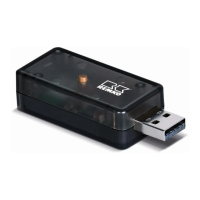
The Wi-Fi stick is inserted into the interface of the
Wi-Fi SmartPort. The SmartPort is connected to
the control board on unit sizes R
VD 355-525 DC.
The installation can be carried out as follows:
1. Disconnect the system from the power
supply
.
2. Open the unit cover
.
3. Remove the control board cover
.
4. Plug the adapter cable onto contact CN40.
5. Insert the extension cable through the cable
gland of the ceiling cassette and connect it to
the adapter cable.
6. Remove the bracket from the SmartPort with
a slotted screwdriver and fix it to the wall or
ceiling near the unit.
7. Insert the Wi-Fi stick into the interface of the
SmartPort.
8. Connect the extension cable to the Smart-
Port cable and attach the SmartPort to the
bracket.
9. Replace the control board cover
.
10. Close the unit cover
13


 To Next Page
 Loading...