Install Custom Device Code
Step 1) Before you start creating your custom device code, you should have registered a SmartThings
account in SmartThings Developer Portal.
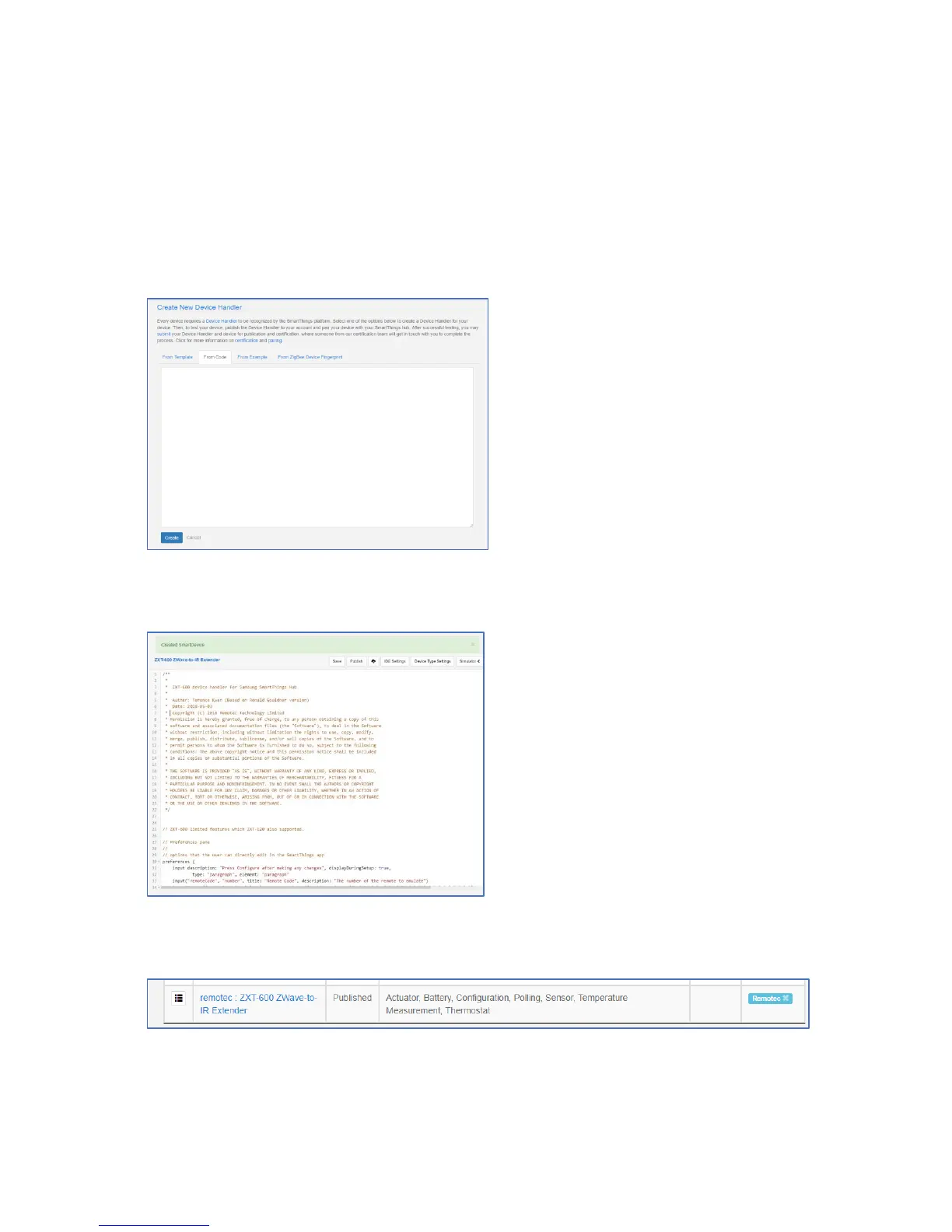
Step 2) Click “My Device Handlers” and create a new Device handler
Select “From Code” and copy all content of the groovy file. And then click “Create”
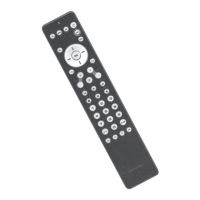
After that, you can “Save” it.
Then you can see the device handler like this.


 To Next Page