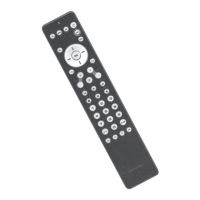
Need help?
Do you have a question about the Remotec ZXT-600 and is the answer not in the manual?
Guidance on creating a new device handler via the SmartThings Developer Portal.
Procedure to enter the primary controller's inclusion or exclusion mode for pairing.
Action to triple-click the 'PROG' button within 1 second when prompted to pair the device.
Modify the remote code using a QR code scanner to find the correct code number.
Positioning the original remote and pressing 'Power ON' for code transmission.
 General
| Brand | Remotec |
|---|---|
| Model | ZXT-600 |
| Category | Remote Control |
| Protocol | Z-Wave |
| IR Learning | Yes |
| IR Carrier Frequency | 38 kHz |
| Operating Range | Up to 100 feet (line of sight) |

 To Next Page