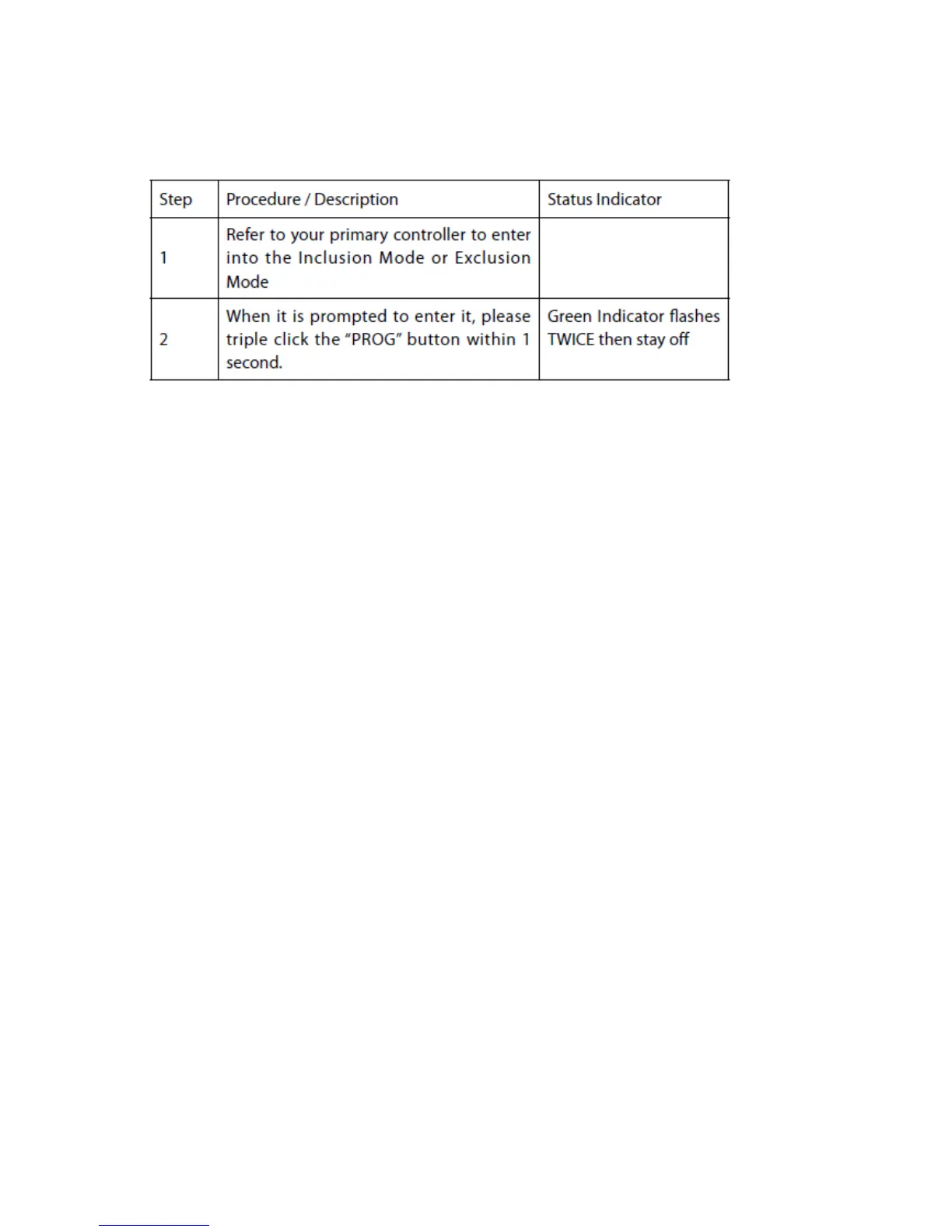
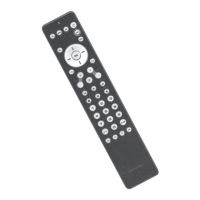
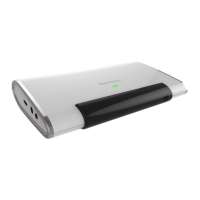
Include ZXT-600 to a Z-wave Gateway
Notes:
1. It is recommended to perform the Remove (Exclude) procedure before performing
an Add (Include) procedure.
2. Red Indicator flashes TWICE then stay off to represent the Add / Remove process
failed, please repeat the above step again.
3. If the Add (Include) process fails, try Remove (Exclude) and /or resetting the
AC Master to Factory Default and repeat the above step.


 To Next Page