6
How to connect your camera HERO4, 4 session
1. Please go to the GoPro App settings menu on your HERO4, 4
session to turn on the Wi-Fi function by choosing GoPro App
mode in “pair” option.
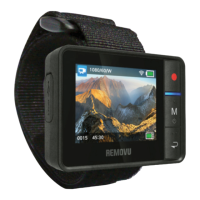
2. Turn on your REMOVU R1+.
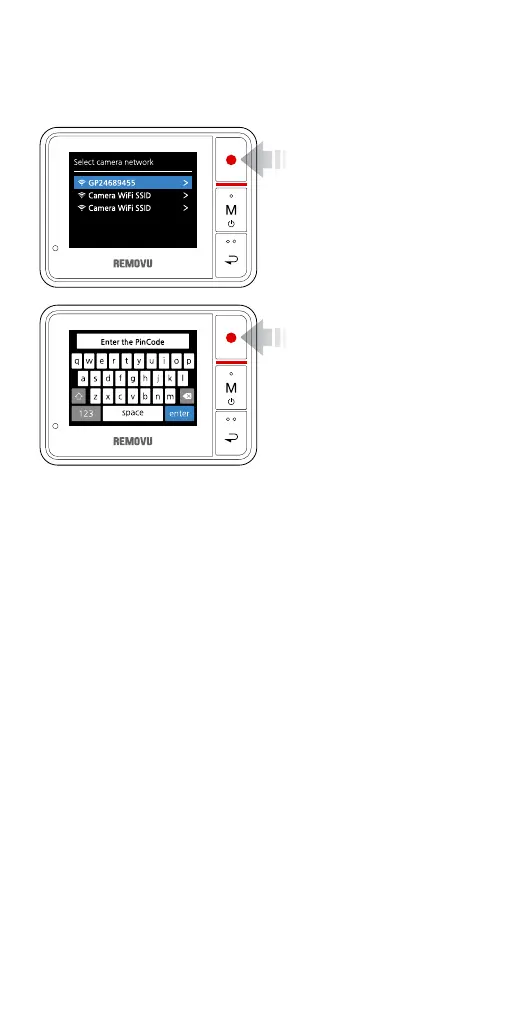
3. When the Select Camera Network Screen appears, select your
camera’s network.
4. Enter the pin number appears on your GoPro on your R1+.
5. Name your camera network. The network name needs to be at
least 8 letters.
6. Set your password. The password needs to be at least 8 digits.
7. Enter Select camera network menu again to nd your newly
created camera network.
8. Select your camera on the network list and enter the password
you created.


 To Next Page