2.21
Adjusting the parking
distance control volume
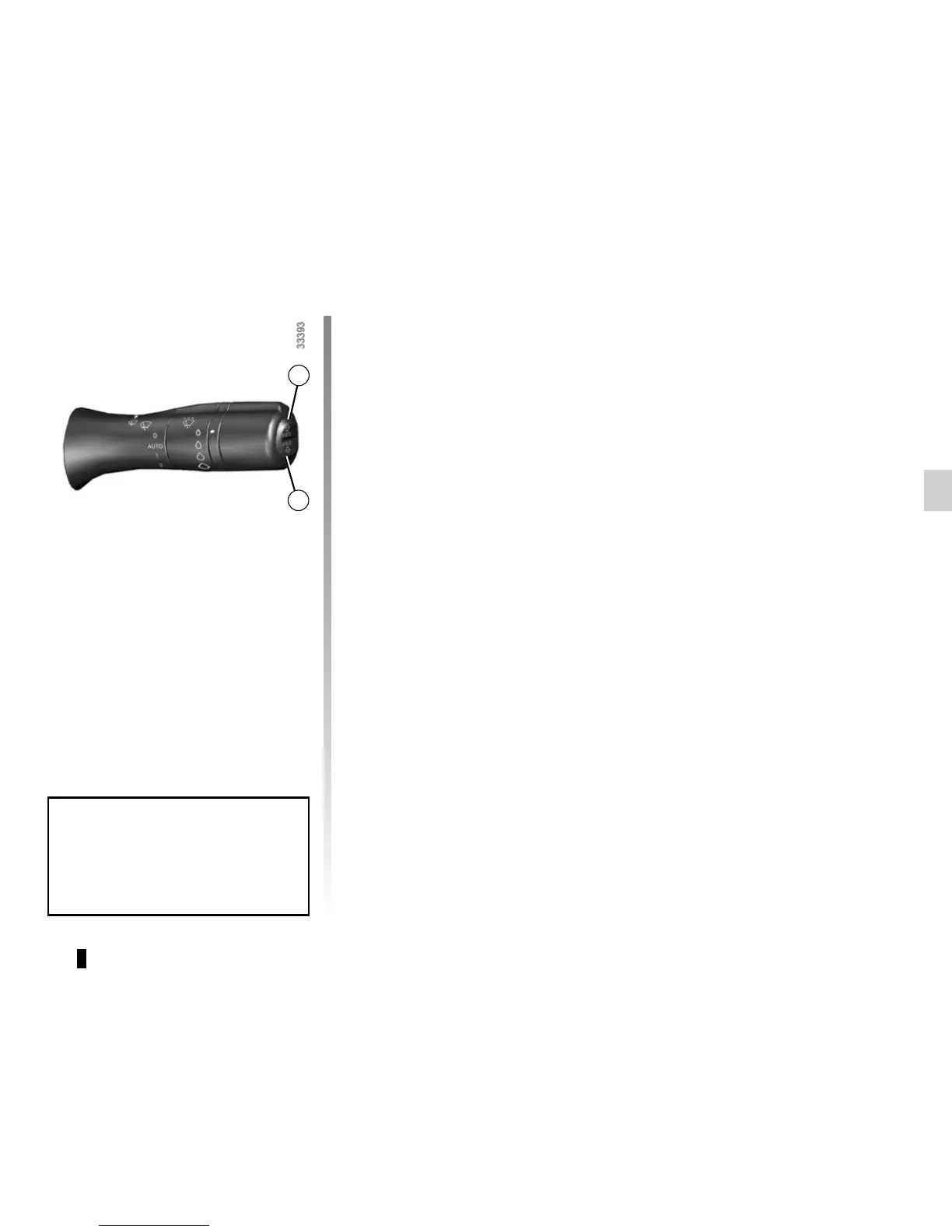
From the vehicle settings customi-
sation menu (refer to the informa-
tion on “Vehicle customisation menu”
in Section 1), select the line “Parking
sensor volume” to adjust the parking
distance control volume and confirm by
pressing key 1 or 2.
PARKING DISTANCE CONTROL (2/2)
Prolonged deactivation of the
system
From the vehicle settings personalisa-
tion menu (refer to the information on
the “Vehicle settings personalisation
menu” in Section 1), select the line
“Rear parking sensor” then activate or
deactivate the system:
< function deactivated;
= function activated.
Operating faults
Depending on the vehicle, when the
system detects an operating fault, the
message “check parking distance con-
trol” appears on the instrument panel,
accompanied by the
© warning
light and a beep lasting approximately
5 seconds. Please see an authorised
dealer.
Special features
Make sure that the ultrasonic sensors
are not obscured (by dirt, mud, snow,
etc.).
1
2
When the vehicle is being driven at
a speed below approximately 4 mph
(7 km/h), certain noises (motorcy-
cle, lorry, pneumatic drill, etc.) may
trigger the beeping sound.



 To Next Page