2.45
ACTIVE EMERGENCY BRAKING (7/10)
System B (continued)
Activating or deactivating the
system
For vehicles fitted with a navigation
system
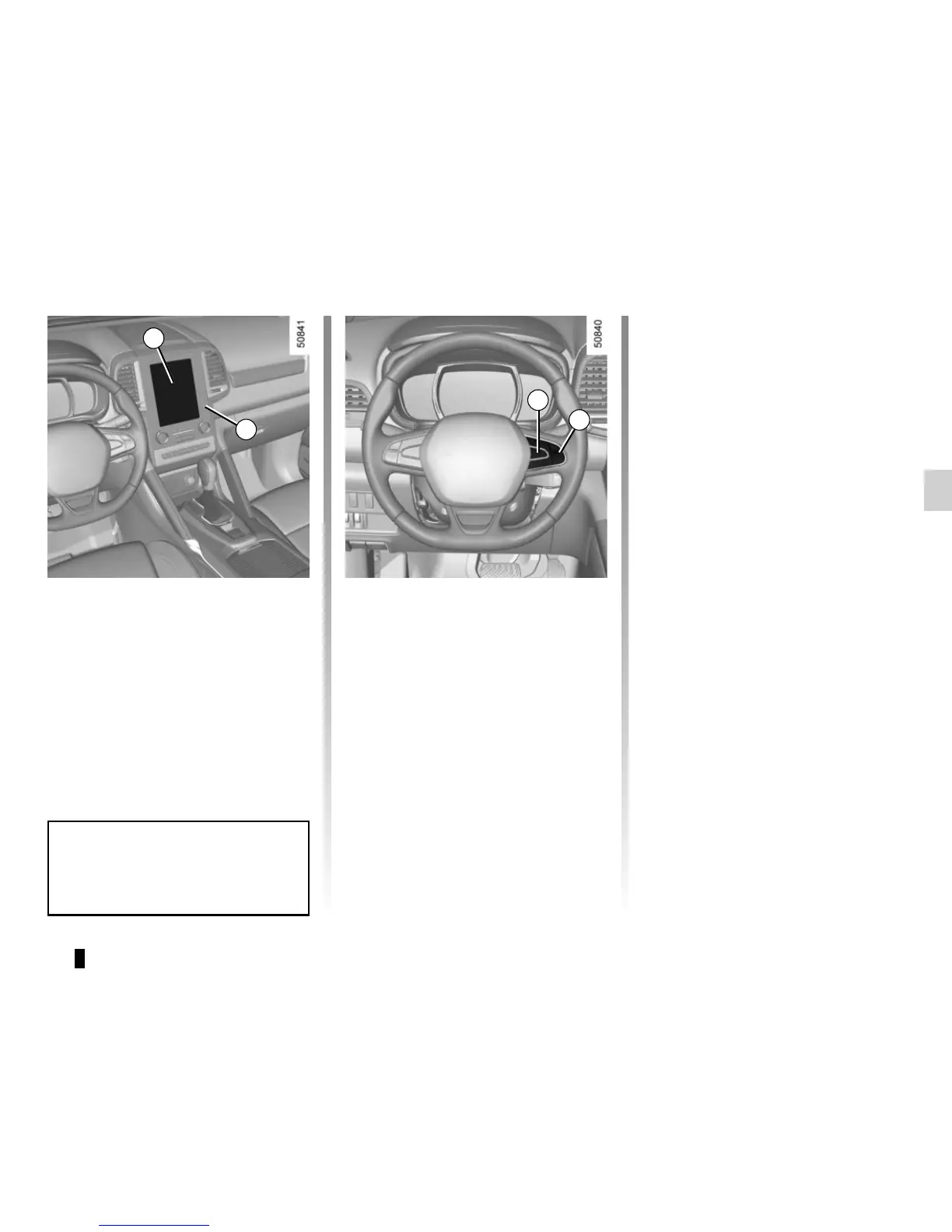
On the multifunction screen 3, select
the “Vehicle” menu, “Driving assist-
ance”, and “Active braking”, and then
choose “ON” or “OFF”.
Press the switch 5 OK again to activate
or deactivate the function:
= function activated
< function deactivated
The warning light
is displayed on
the instrument panel when the system
is deactivated. This system is reacti-
vated each time the ignition is switched
on.
3
6
5
For vehicle not fitted with a
navigation system
– With the vehicle at a standstill, press
and hold the switch 5 OK to access
the settings menu,
– repeatedly press the control 6 up or
down until you reach the “Driving as-
sistance” menu. Press the switch 5
OK;
– repeatedly press control 8 up or down
until you reach the “Active braking”
menu, then press the switch 5 OK.
You can access menu “Driving as-
sistance” directly from button 4
.
4










 To Next Page