2.83
Special note
– Drive slowly and always be ready to
use the brake;
– The system can not detect parking
spaces between objects except for
vehicles such as a post, motorbike or
obstacle;
– The system can not detect park-
ing spaces made after detecting or
before detecting;
– Maintain the distance about
50~150 cm from the parked vehicles
when looking for parking spaces.
The system may not detect spaces
when the distance is less than 50 cm
or over 150 cm;
– You can move the gear lever position
R to D or D to R while parking. The
system is still available.
– The driver should look out for the de-
tected space if it is possible to park
(obstacles in the space);
– If you fit a different tire or wheel,
the system performance may be
changed. For the best performance,
fit the same size with original one;
– The system may not work if the
wheels are misaligned. Contact an
approved dealer.
ASSISTED PARKING (3/6)
Exiting a parallel parking space
– Select “exit parallel parking space”
mode;
– activate the direction indicator on the
side you wish to go out of;
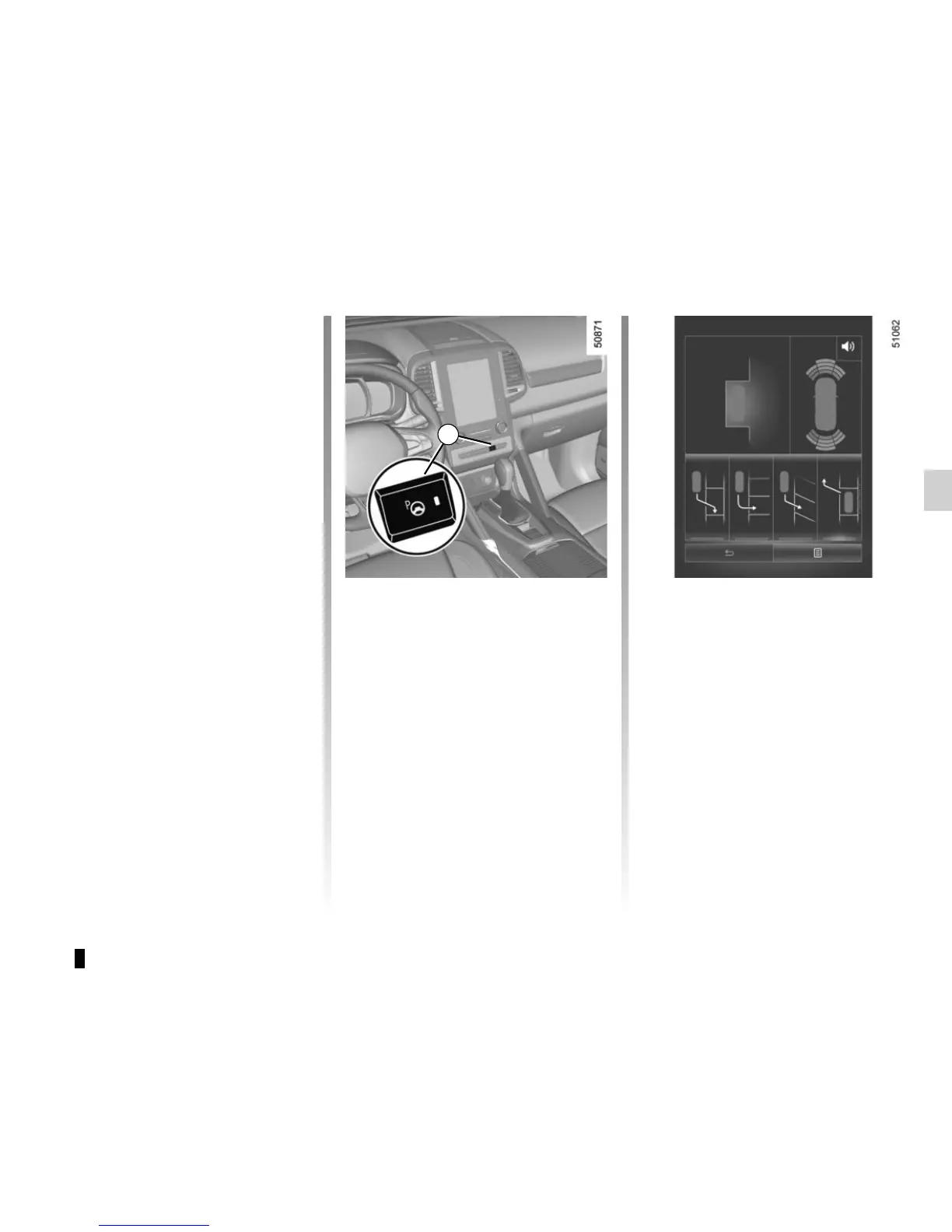
– press and hold switch 1 (around
2 seconds).
Warning light
lights up on the in-
strument panel, along with a beep.
– release the steering wheel;
– go forwards and backwards using
the parking distance control system
alerts.
Look in all directions
Press and hold (icon) button
to start
1










 To Next Page