2.82
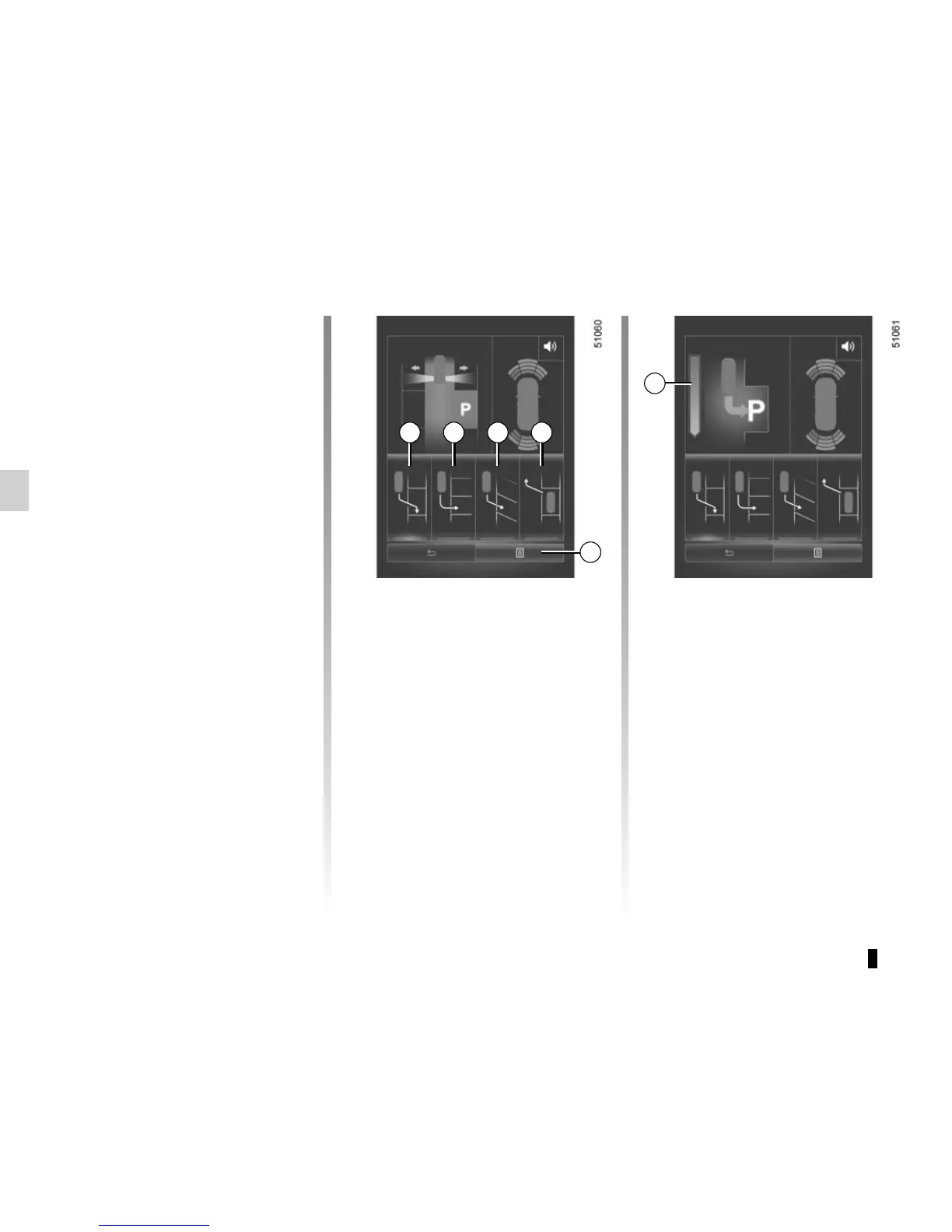
Choice of manoeuvre
The system can perform four types of
manoeuvres:
– 4 parallel parking;
– 5 perpendicular parking;
– 6 angle parking;
– 7 moving out of a parallel parking
space.
From the multifunction screen, select
the manoeuvre to be performed.
And activate the direction indicator (turn
signal) on the side you wish to park.
Note: When starting the vehicle, or
after successfully completed parallel
parking using the system, the default
manoeuvre proposed by the system is
assistance in exiting a parallel parking
space. In other cases, the default ma-
noeuvre can be set with 8 from the mul-
tifunction screen.
ASSISTED PARKING (2/6)
Operation
Parking
As long as the vehicle speed is less
than 18.6 mph (30 km/h), the system
looks for available parking spaces on
both sides of the vehicle.
Once a space has been found, it is dis-
played on the multifunction screen, indi-
cated by a small letter “P”. Drive slowly,
with the indicators activated on the side
of the space, until the message “Stop”
is displayed, alongside a beep.
The space is then indicated on the mul-
tifunction screen by a capital “P”.
– Stop the vehicle;
– select reverse gear.
Warning light
lights up on the in-
strument panel, along with a beep.
– release the steering wheel;
– follow the system instructions pro-
vided on the multifunction screen.
Your speed should not exceed around
4 mph (7 km/h). Bar 9 tells you the
progress.
Once the warning light
on the
instrument panel goes off and a beep
sounds, the manoeuvre has been com-
pleted.
4 5 6 7
Look in all directions
Select indicator
Look in all directions
Reverse
9
8










 To Next Page