4
12
7 8
11
Radio Media
Phone
Driving eco² Nav Settings
Dark
FIRST USE (2/3)
9 10
Set Time
13 14
15
Player List Presets
Options
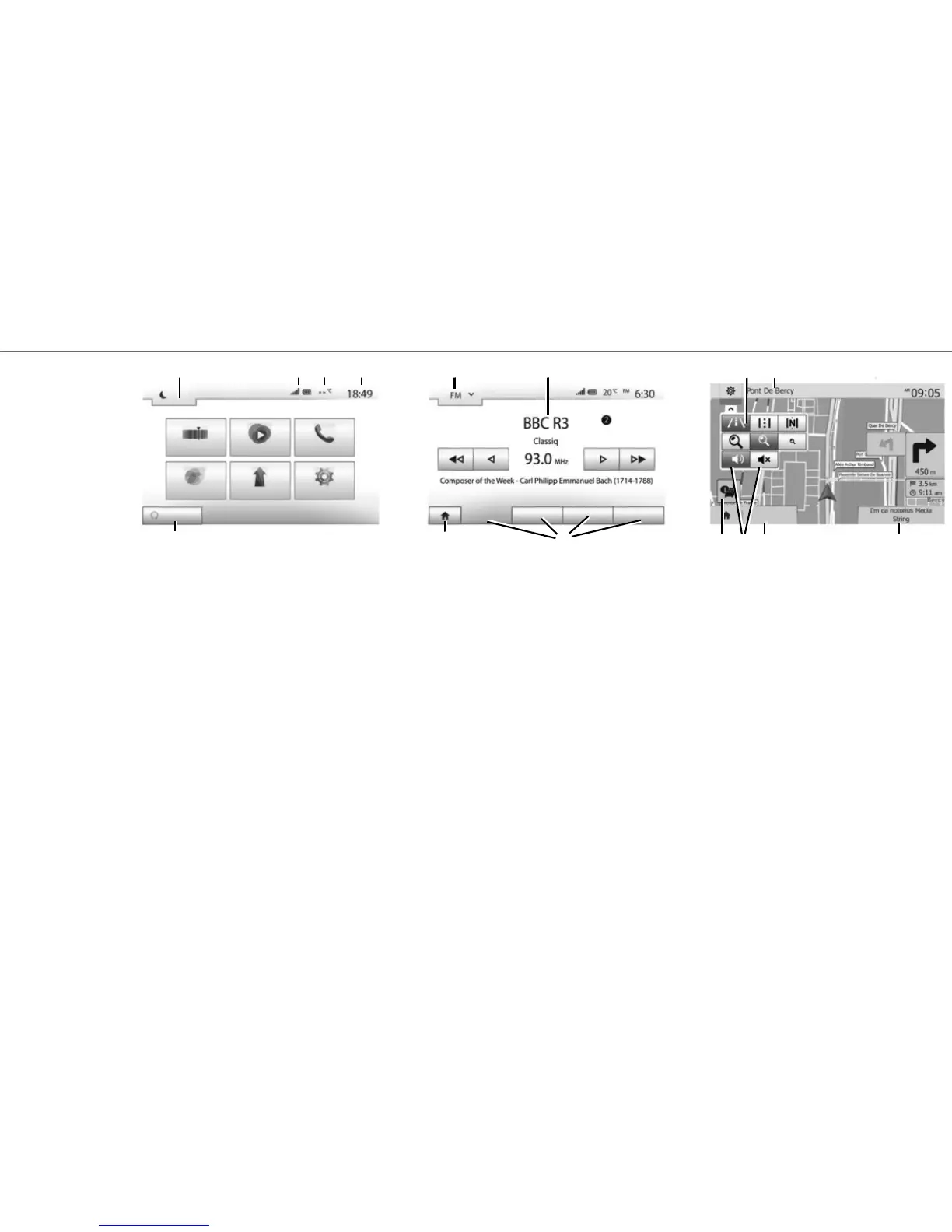
13 Mode selection area:
– displays the selected mode;
– when the mode selection area is touched, a
drop-down menu will appear.
14 Table of contents area:
– shows the contents of a menu item and
related information.
15 Menu area:
– display subordinate menu of mode;
– shows current menu as highlighted.
16 Home or return to navigation area.
Menu screen
7 Mode standby and clock display
8 Telephone information area.
9 Exterior temperature.
10 Time area.
11 Area for selecting programmed engine start-up
12 Menus area.
16
Navigation screen
17 Map mode (2D /3D and 2D North).
18 Name of the next street to take on your route.
19 Access the current media (USB, AUX, AM, FM,
DAB, iPod®, and Bluetooth®)
20 Options for route and map setting.
21 Voice guidance On/Off.
22 Traffic information (TMC).
Destination
18
192022 21
17



 To Next Page