7
ENTERING A DESTINATION (2/3)
“POINTS OF INTEREST”
A place of interest is a service, an establishment
or a tourist destination. The locations are classified
into different categories – restaurants, museums,
car parks, etc.
You can search for a point of interest by:
– category:
– name of the point of interest;
– finding a point of interest on the map.
“FAVOURITES”
The Favourites menu lists favourite destinations,
such as your place of work, home, school etc.
You can include a new destination on your favour-
ites list when you program a route to this destina-
tion for the first time (refer to the information on
“Confirming a destination”).
– select the Home button, “Nav”, then the
“Destination” tab;
– choose “Favourites”;
– select the required destination in the list of
stored addresses.
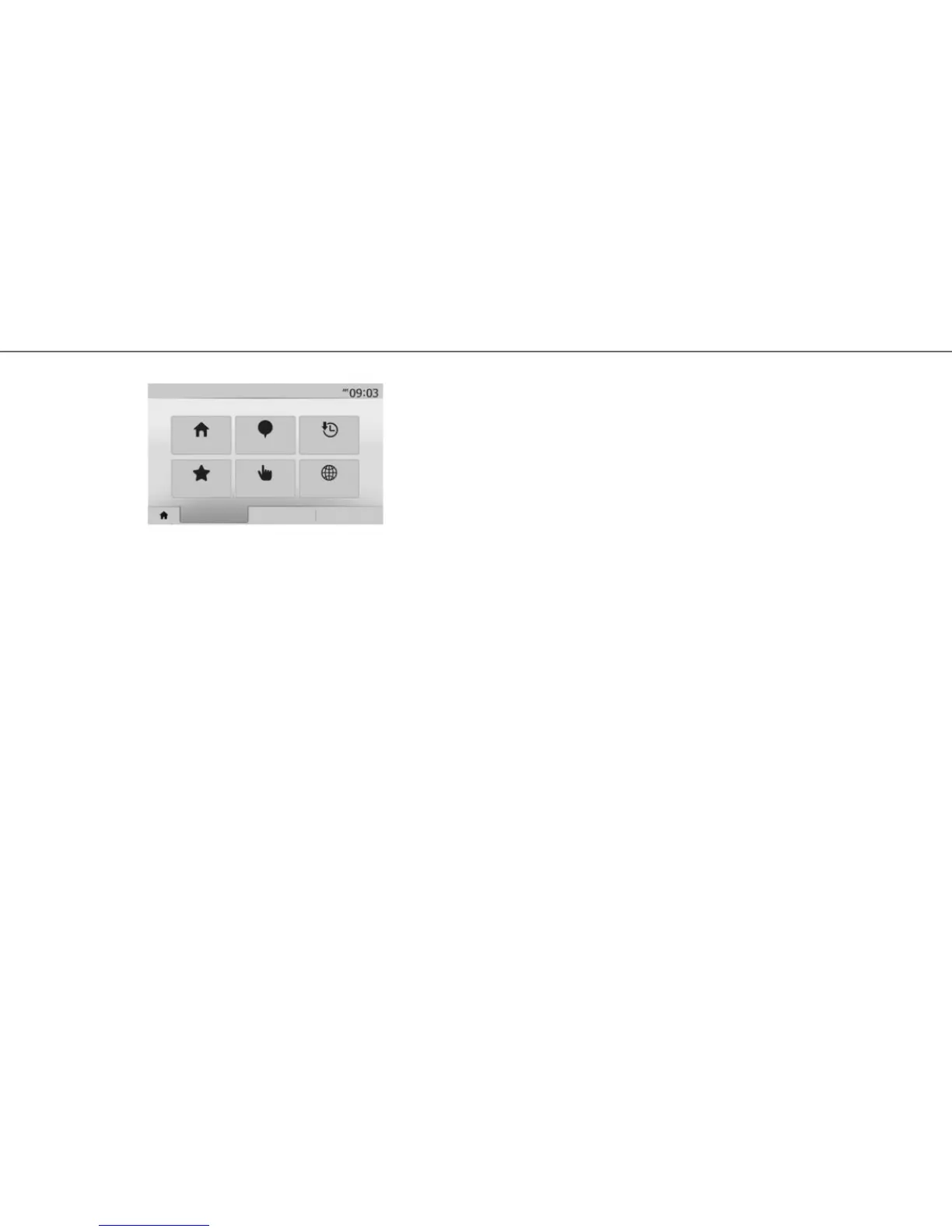
Address Points of interest History
Favourites
Find on map Coordinate
Destination Itinerary Options
Navigation
“HISTORY”
This item enables you to select a destination from
the list of addresses last used. This information is
stored automatically once guidance starts.
From the main menu select “Nav”, the “Destination”
tab, then the “History” menu.
From the list of stored destinations, select an ad-
dress then confirm this address as the destination.



 To Next Page