GB.29
AUXILIARY AUDIO SOURCES (6/8)
Only handle the personal
stereo when traffic condi-
tions permit.
Store the portable audio
player safely while driving (risk of
being thrown in the event of sudden
braking or impact).
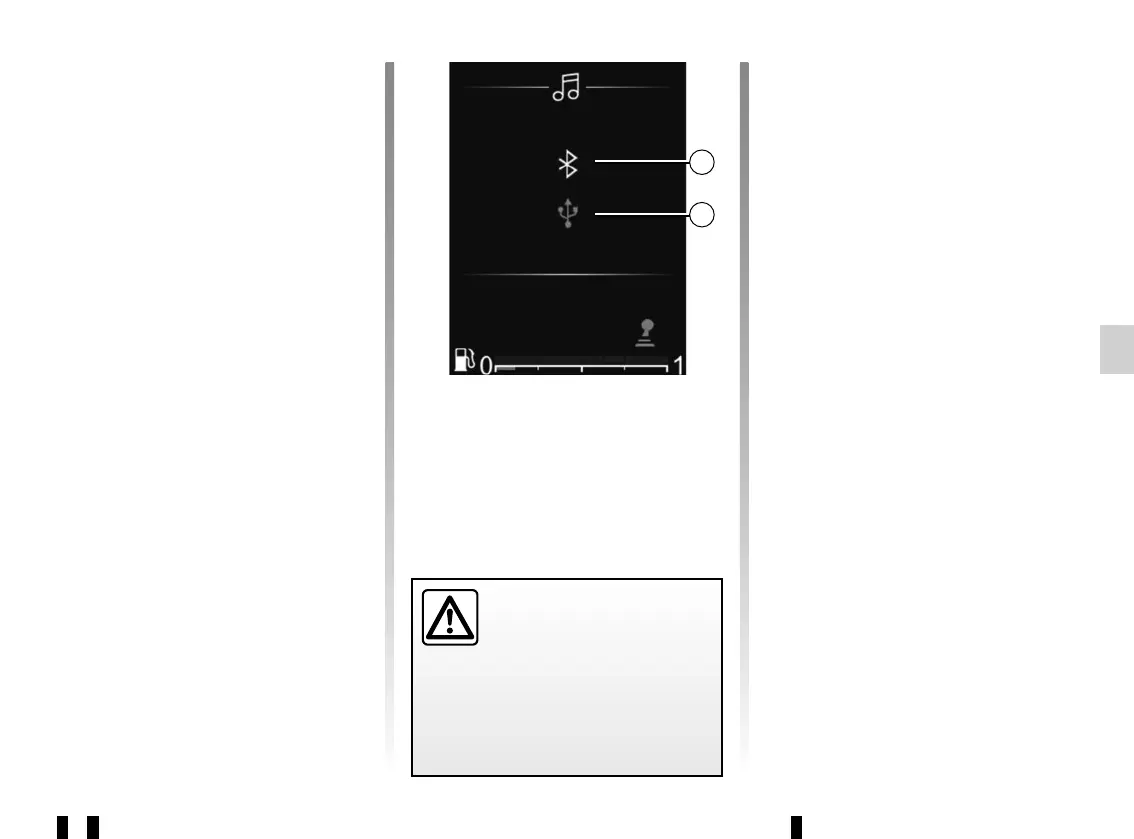
Connecting to the vehicle
Your portable digital audio device must
be connected via Bluetooth® m or
USB n to the audio system in order to
access all of its features.
m
n
Bluetooth® audio playback
In order to use your Bluetooth® port-
able digital audio device, you must
pair it to the vehicle upon first use.
Please refer to the information on the
“Bluetooth® function” in the “General
description” section.
Pairing enables the audio system to
recognise and store a Bluetooth® port-
able digital audio device.
Note:
– if your Bluetooth® digital device is
equipped with telephone and port-
able digital audio player functions,
pairing one of these functions will
automatically pair the other;
– the number of functions which can
be accessed depends on the type of
portable digital audio player and its
compatibility with the audio system.
For a device already paired, perform
the following steps:
– Activate the Bluetooth® connection
on the radio;
– enable the telephone or portable dig-
ital audio device Bluetooth® connec-
tion and make it visible to other de-
vices (for more information please
see the user manual of your device);
– Select the audio source Bluetooth®
by repeatedly pressing 24 or 25;
– select the external audio player or
the telephone to be connected via
Bluetooth® among those detected
by the multimedia system.
Use
Your portable digital audio player must
be connected to the audio system to
enable access to all of its features.
Note: the portable digital audio player
cannot be connected to the audio
system unless it has been paired.



 To Next Page