GB.52
SYSTEM SETTINGS (1/9)
Radio with central display
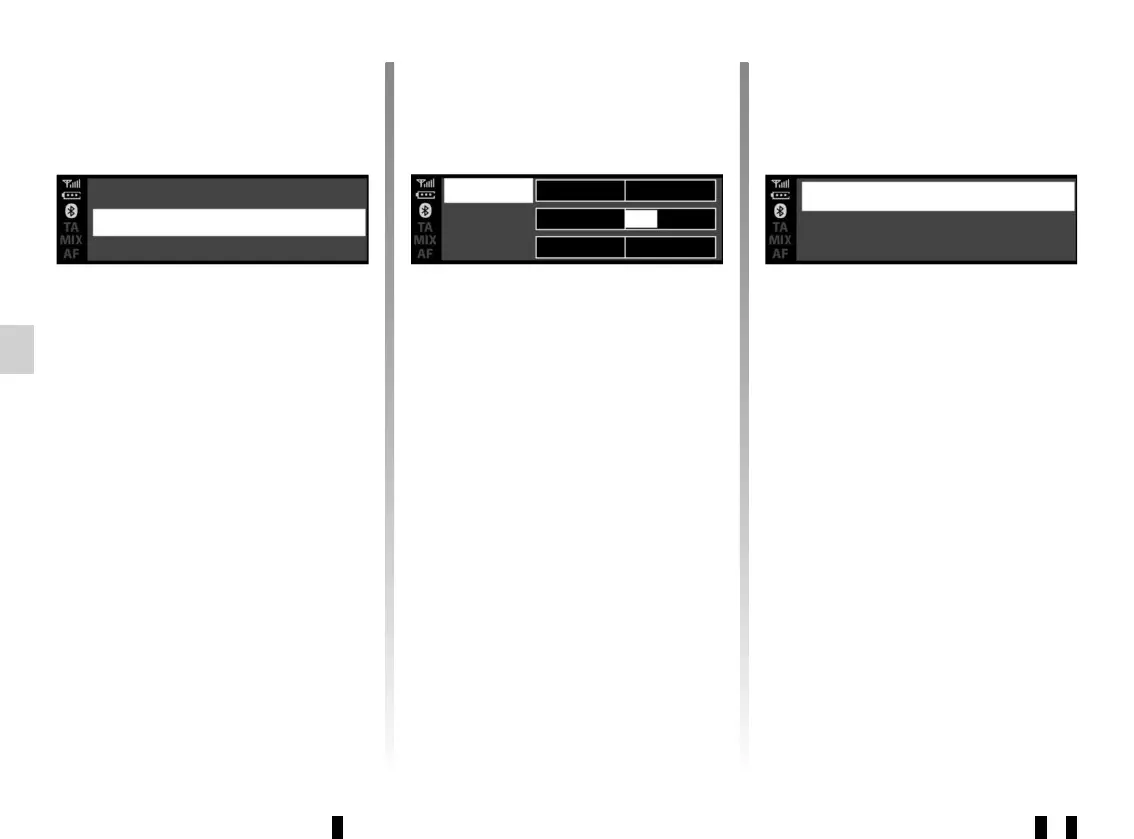
Audio settings
Display the settings menu by press-
ing 5. Select “Audio settings” using 6 or
15, then press 6 or 18 to confirm. The
available settings are:
– “Equaliser”;
– “Spatialisation”;
– “Speed Vol.”;
– “Bass Boost”;
– “Set to”.
“Equaliser”
Select “Equaliser”, then press 6 or 15
to access the different items in the fol-
lowing order:
– “Bass”;
– “Medium”;
– “Treble”.
“Spatialisation” (sound distribution)
– “Balance” (left/right sound balance);
– “Fade” (front/rear sound distribu-
tion).
Radio settings Sound
Radio settings Radio
Clock
Spatialisation
Speed Vol.
Equaliser
You can change the value of each set-
ting using 6 or 15.
Press 6 or 18 to confirm and return to
the previous selection.
To exit the current menu, press 4.
“Volume sensitive to speed”
The volume of the audio system varies
in relation to the vehicle speed.
Go to the “Audio settings” menu then
confirm “Speed Vol.” by pressing 6
or 18.
Bass
Medium
Treble



 To Next Page