GB.37
Unpairing a phone
Unpairing allows a phone to be deleted
from the audio system memory.
To unpair and delete your phone from
the audio system memory, perform the
following steps:
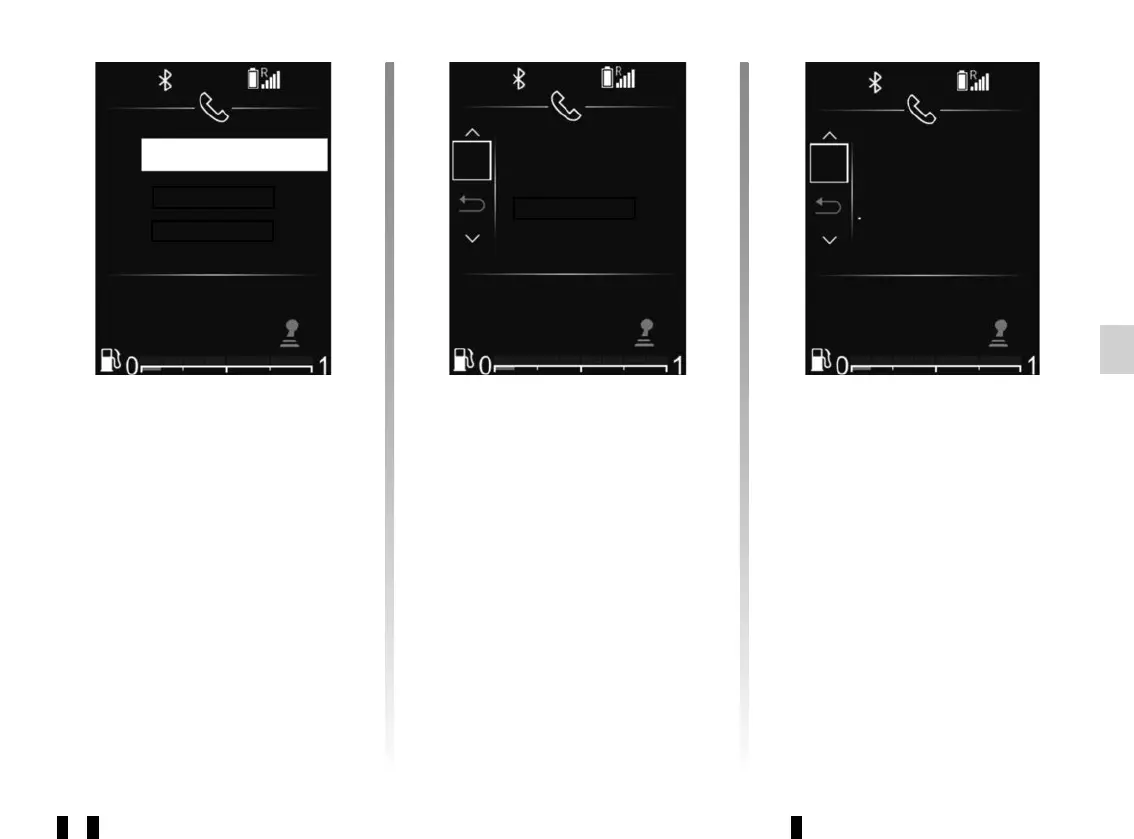
– press 32 to access the main menu;
– select “Set Time”, “Telephone set-
tings” then “Delete device” using 33
or 34 and confirm using 35;
PAIRING, UNPAIRING A TELEPHONE (6/6)
Elodie TEL
OK
Delete device
Pierre TEL
To unpair and delete all telephones
from the audio system memory:
– press 32 to access the main menu;
– select “Set Time”, “Telephone set-
tings” then “Delete all” using 33 or 34
and confirm using 35;
– select “YES” using 33 or 34, then
confirm using 35.
Note: all contacts in the phonebook
and the call log in the synchronised
audio system will be deleted.
– select the telephone that you wish
to unpair using 33 or 34 and confirm
using 35;
– select “YES” using 33 or 34, then
confirm using 35.
If six telephones are already stored, the
system offers to delete one of the de-
vices. If you select “ON”, you will be re-
directed to the “Del. device” menu.
Note: unpairing a telephone deletes all
contacts from the phonebook and the
call log in the audio system synchro-
nised with the telephone.
Del. device
Pierre TEL
OK
Delete all?



 To Next Page