GB.42
Disconnect a phone
To disconnect your telephone, you can:
– deactivate your audio system’s
Bluetooth® function;
– deactivate your phone’s Bluetooth®
function;
– delete the paired phone via the audio
system. Please refer to the informa-
tion on ‘Unpairing a telephone’ in the
“Pairing and unpairing a telephone”
section.
If the phone is switched off, the tele-
phone will be disconnected.
A message is then displayed on the
audio system screen to confirm that the
phone is disconnected.
Note: if a call is in progress when the
phone is disconnected, the call will
automatically be transferred to your
phone.
To deactivate your audio system’s
Bluetooth® function, please see
“Bluetooth® function” in the section en-
titled "General description".
To disable your smartphone’s
Bluetooth®, refer to your phone's user
guide.
To unpair and delete the Bluetooth®
phone, see the information under
“Unpairing a telephone” in the section
“Pairing, unpairing a telephone”.
CONNECTING, DISCONNECTING A TELEPHONE (5/5)
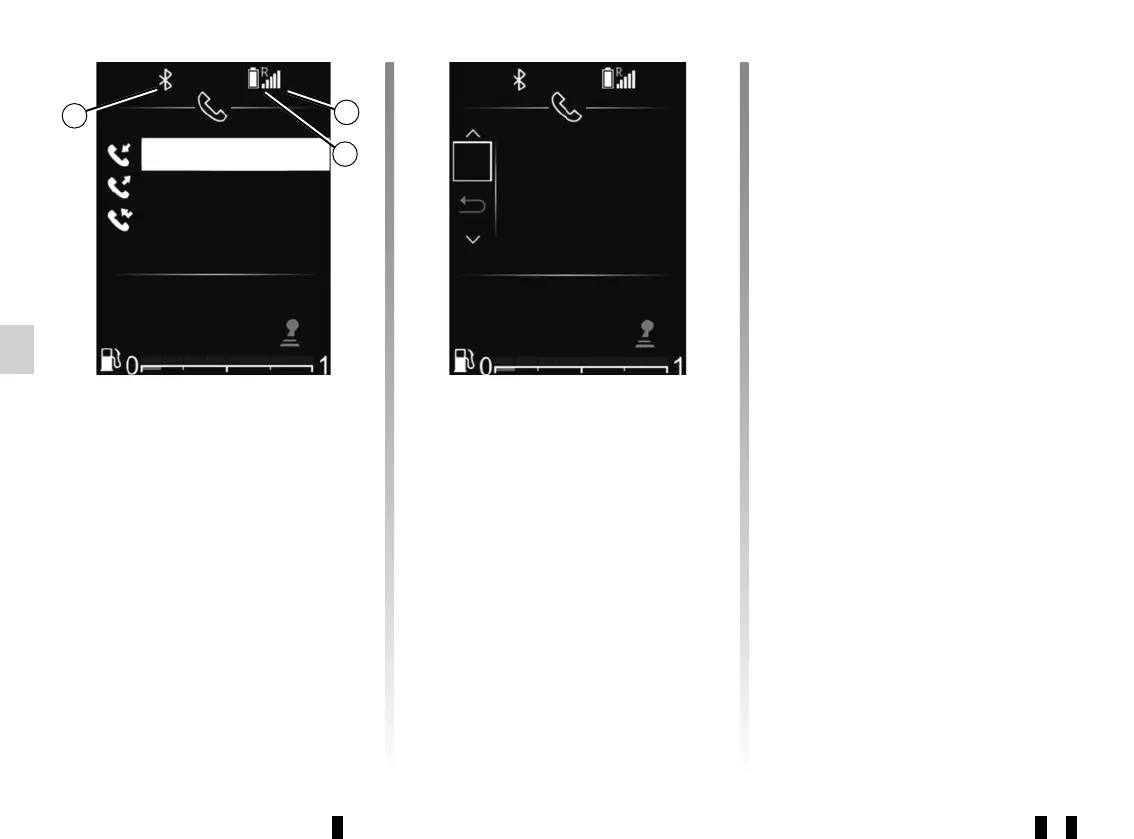
Telephone information
Once connected, the audio system pro-
vides information on the telephone:
– the telephone network status 5;
– the battery charge level 6;
– the type of connection to the multi-
media system 4.
ELODIE TEL ?
OK
+33 1 02 99 99 99
+33 1 01 99 99 99
+33 1 01 99 99 99
5
6
4
Disconnect
Phone?
12 : 45 21°C21°C
12 : 45



 To Next Page