1.79
VEHICLE SETTINGS CUSTOMISATION MENU (2/2)
Adjusting the settings
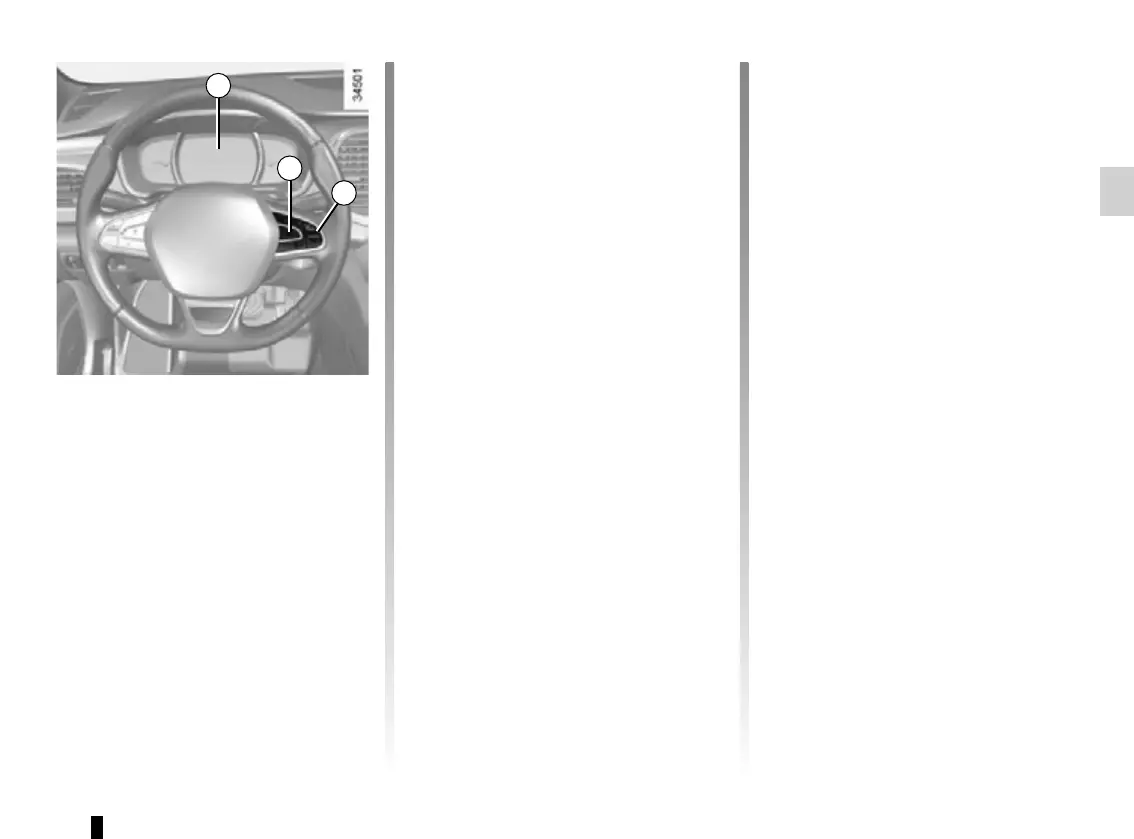
Browse using the control 4 to select the
function to adjust:
a) unlocking the driver’s door;
b) automatic locking of the doors while
driving;
c) hands-free function;
d) indicator audio volume;
e) internal welcome sound;
f) external welcome;
g) reading lamp in automatic mode;
h) configuration of the driving style indi-
cator;
i) Active noise control.
= function activated
< function deactivated
Once a line has been selected, press
the switch 3 OK to adjust the function.
Vehicles not fitted with a
navigation system
Accessing the settings menu on
display 2
With the vehicle at a standstill, press
and hold the switch 3 OK to access the
settings menu.
2
3
4
Make your selection and confirm it by
holding the switch 3 OK. The selected
value is shown by a ~ in front of
the line.
To exit the menu, press the control 4
upwards or downwards. It may be nec-
essary to carry out this operation sev-
eral times.














 To Next Page