2.91
ENG_UD72191_3
Aide au parking (X82 PH2 - Renault)
Adjustment
Depending on the vehicle, with the
engine running, some settings can be
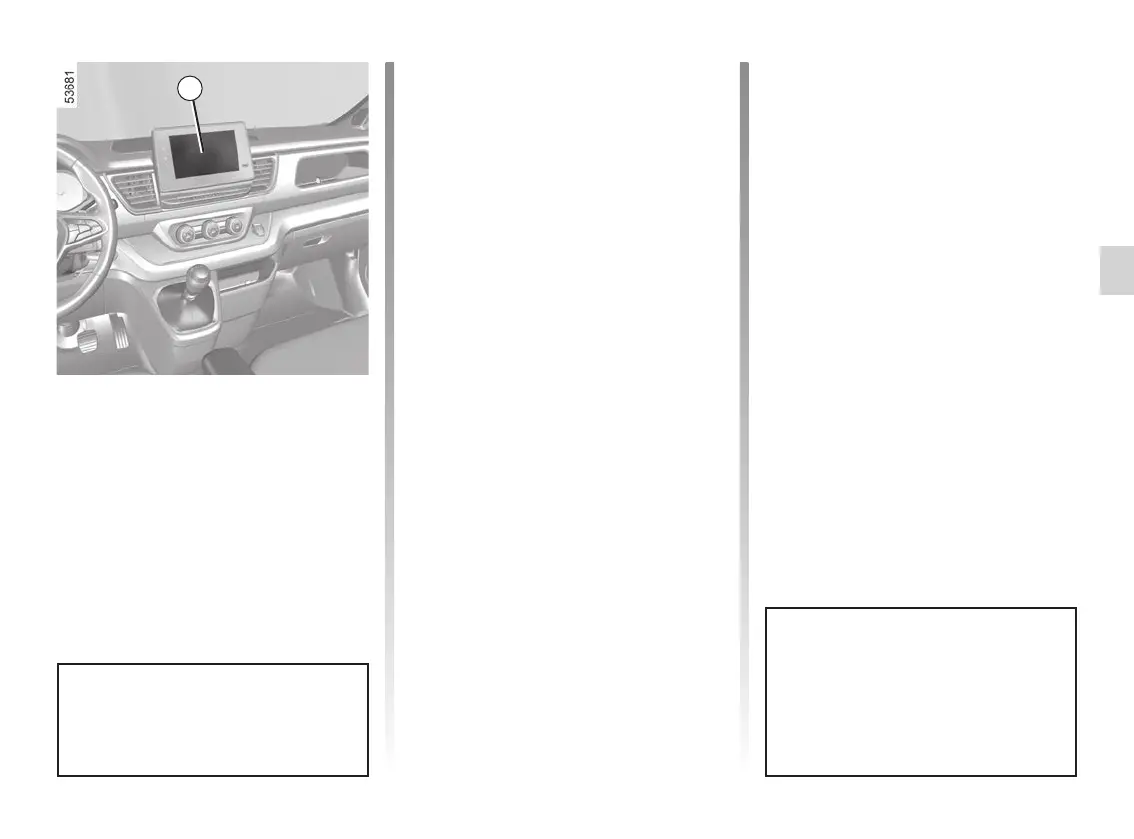
adjusted from the multimedia screen 4.
Please refer to the multimedia instruc-
tions for further information.
Parking distance control audio
volume
Adjust the volume of the parking dis-
tance control by pressing + or -.
System sound
Enables the system sound to be
chosen.
Deactivating the system sound
Activate or deactivate the parking dis-
tance control sound.
Note: if you deactivate the sound, you
will no longer be notified with beeps
when approaching an obstacle.
PARKING DISTANCE CONTROL (4/8)
When the vehicle is travelling at a
speed below approximately 6 mph
(10 km/h), some noises (motorcy-
cle, lorry, pneumatic drill etc.) may
trigger the beeping sound of the
parking distance control.
Vehicles fitted with a
multimedia screen
Activation/deactivation
To use the multimedia screen 4 to ac-
tivate or deactivate the different areas
covered by the ultrasonic sensors
(front, side and/or rear), please refer to
the multimedia instructions.
Select “ON” or “OFF”.
When the engine is started, the
system recalls the last position
stored before the ignition was
switched off.
4














 To Next Page