Installation 9
Renkforce PL500D duo
Please note that all adapters which are connected to the electrical wiring,
switch to energy-saving mode after approx. 11 minutes, if no active network
device is connected to the Ethernet port. In energy-saving mode, the adapter
cannot be accessed via the electrical wiring.
3.3 Connecting the adapter
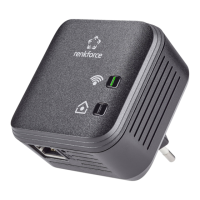
Use the included network cable to connect the adapter to the network
port of your running computer.
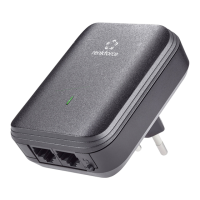
Plug the ad
apter into a free electrical outlet.
In order to connect multiple PLC devices into a self-contained, secure net-
work, now continue with the installation of
the configuration. For more infor-
mation, refer to the chapter 'Encrypting the PLC network at the touch of a
button'.


 To Next Page