Sync with Google Fit
Open the Renpho app
Select/tap the "My Account" tab
Select/tap “Settings” in the upper right
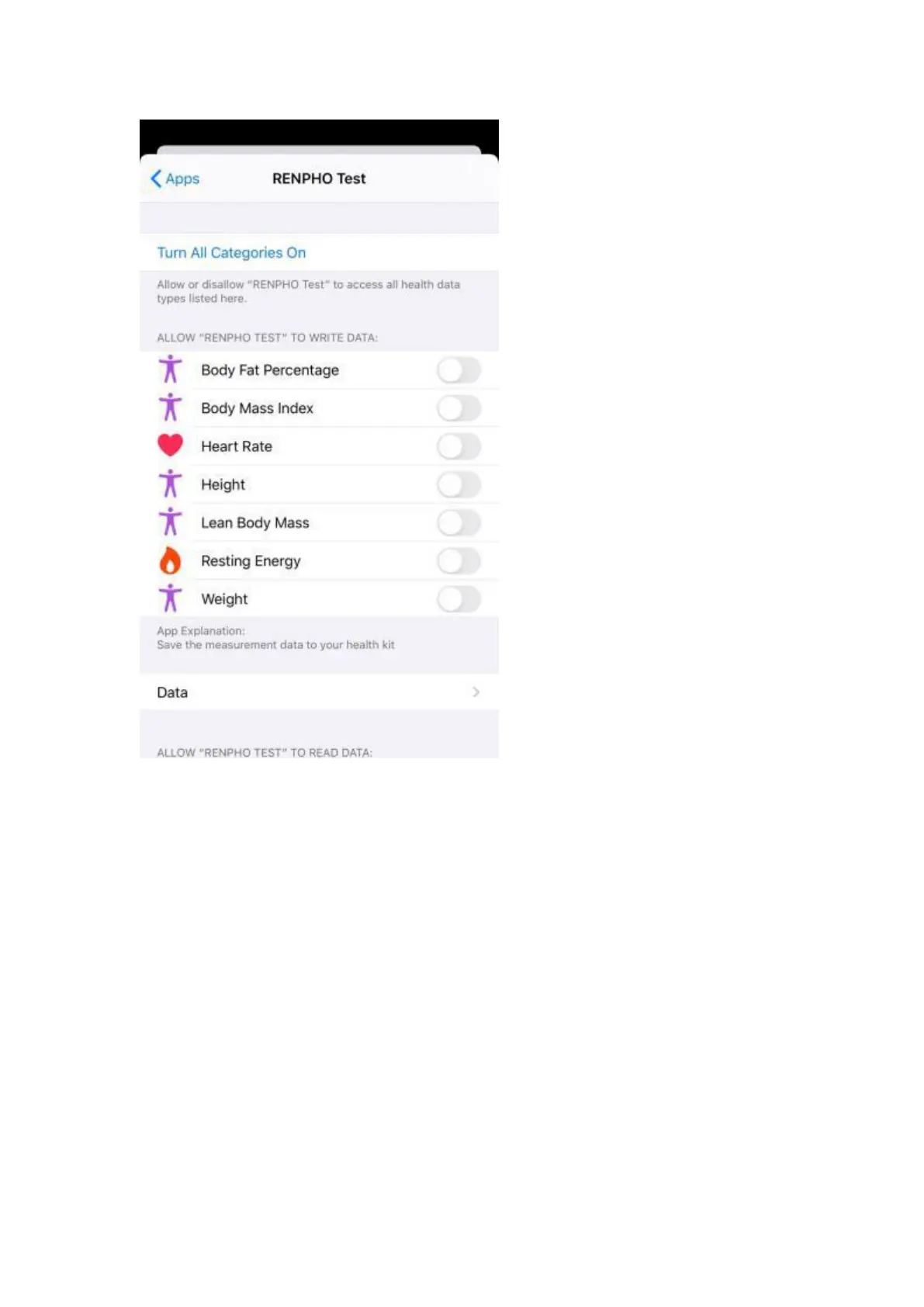
Select Google Fit and login to your Google Fit account and allow Renpho
to access your Google Fit account.
After you use the scale, the data will be uploaded to Google Fit. You can
login to your app to view your data.



 To Next Page