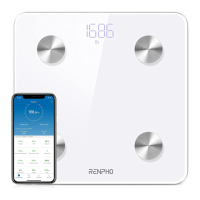
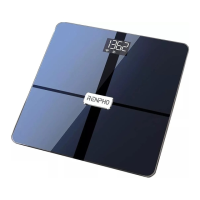
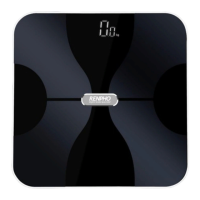
Need help?
Do you have a question about the RENPHO ES-26M and is the answer not in the manual?
Advises against weighing with wet feet, low battery indication, avoiding drops, and wet environments.
Lists precautions for scale use, including not for medical diagnosis, pregnancy/pacemaker advice, checking for damage, and keeping dry.
Explains error codes like 'No display', 'Lo', 'EER', 'CAL', and their resolutions.
Instructions for calibrating and measuring body weight on the scale.
Step-by-step guide to connect the scale to your smartphone using Bluetooth.
Provides steps to reset connections and use the anomaly detection function.
Addresses issues like data disappearing and no body fat measurement.
 General
| Minimum Weight Capacity | 11 pounds |
|---|---|
| Display | LED |
| Connectivity | Bluetooth 4.0 |
| Body Composition Analysis | Yes |
| Auto Calibration | Yes |
| Auto On/Off | Yes |
| Increments | 0.2 lb / 0.05 kg |
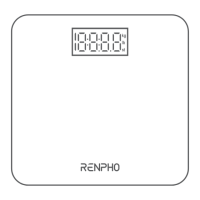
| Type | Digital Body Fat Scale |
| Maximum Weight Capacity | 396 pounds |
| Measurement Units | lb, kg, st |
| App Compatibility | RENPHO App |
| Data tracked | Weight, BMI, Body Fat, Muscle Mass, Bone Mass, Water Weight |
| Material | Tempered glass |


 To Next Page