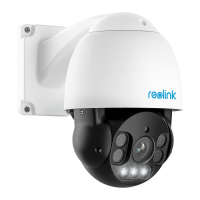
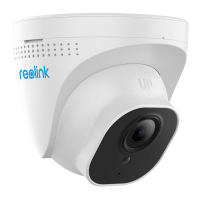
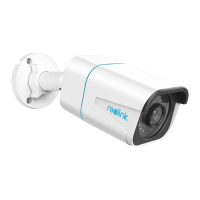
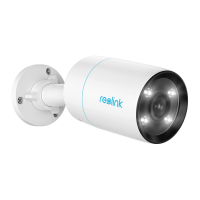
English English3 4
Camera Introduction Connection Diagram
Before using the camera, please connect your camera as instructed
below to nish initial setup.
1. Connect the camera to a Reolink NVR (not included) with an Ethernet
cable.
2. Connect the NVR to your router, and then power on the NVR.
NOTE: The camera should be powered with a 12V DC adapter or a PoE
powering device such as PoE injector, PoE switch or Reolink NVR
(not included in the package).
* You may also connect the camera to a PoE switch or PoE injector.
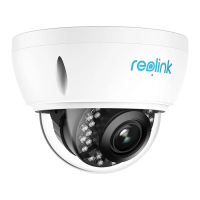
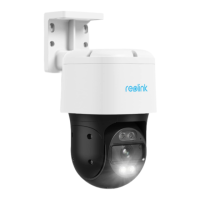
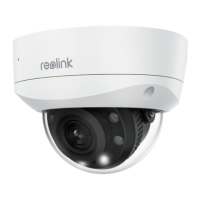
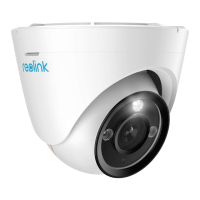
PoE IP Camera
Ethernet Cable
Reolink NVR
Router
Ethernet Cable
Power Adapter
Bracket
Daylight Sensor
Microphone
Lens
IR LEDs
Spotlight
microSD Card Slot
Reset Button
LANPort
Speaker
Power Port (Optional)
1
2
3
4
5
6
7
8
10
9
11
2
1
3
4
5
6
9
10 11
8
7
VGAHDMIUSB
AUDIO
OUT
DC 48V
ON
24 68
13 57
OFF
LAN
eSATA



 To Next Page
 Loading...