1. Insert the setup CD into your computer. A welcome screen should appear with a menu of
options, including the option to install the proper Network USB over IP Server software,
access the User Manual, or Exit out of the welcome menu.
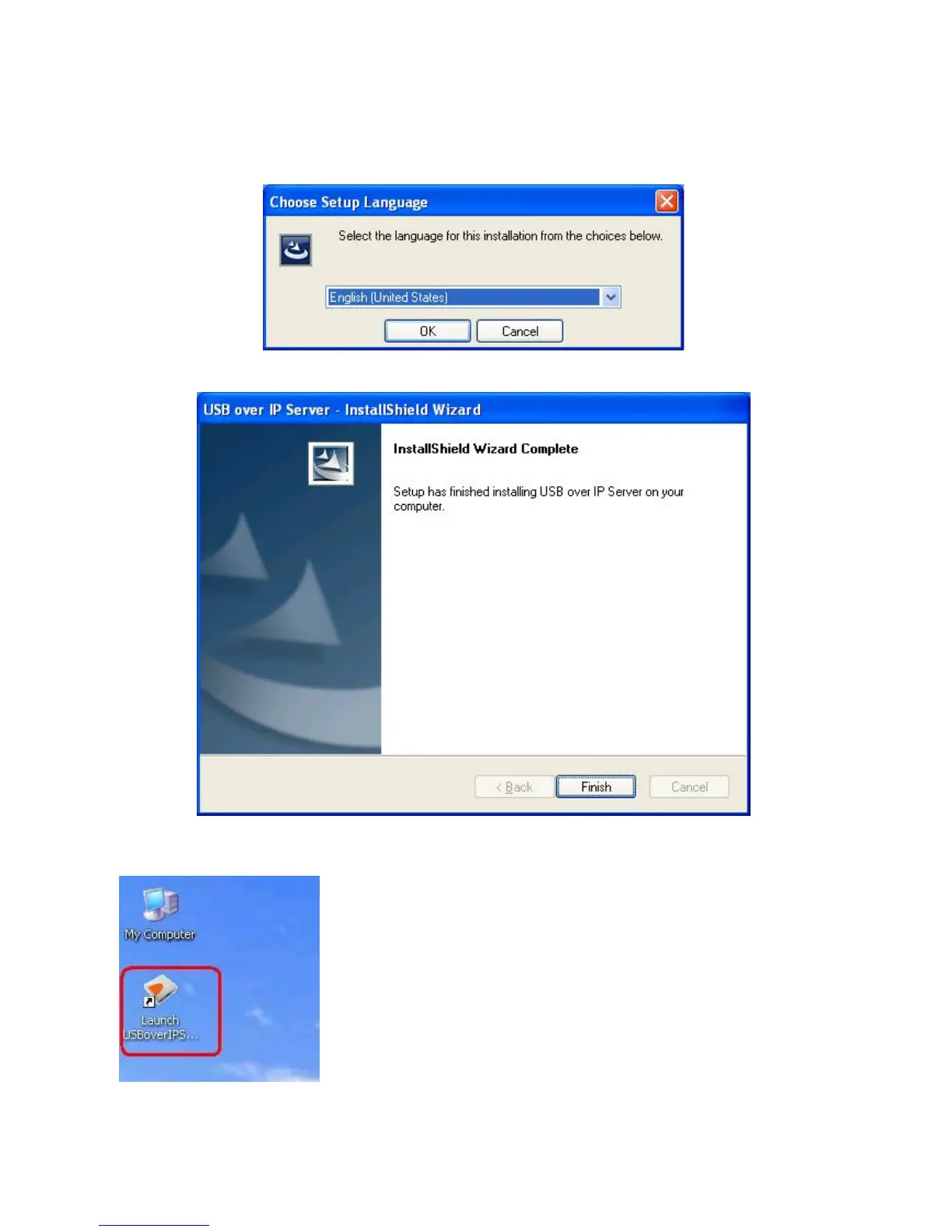
2. The installation wizard will start the installation process; click “OK” to continue.
3. When the installation completed, click “Finish” to close the installation wizard.
4. On your desktop you will see a new icon, double-click the icon and it will bring up the
Network USB over IP Server setup utility.
5. The setup utility will show up and display all the active Network USB over IP Servers on
your network. In this screen, you will see the product listed as “USB over IP



 To Next Page