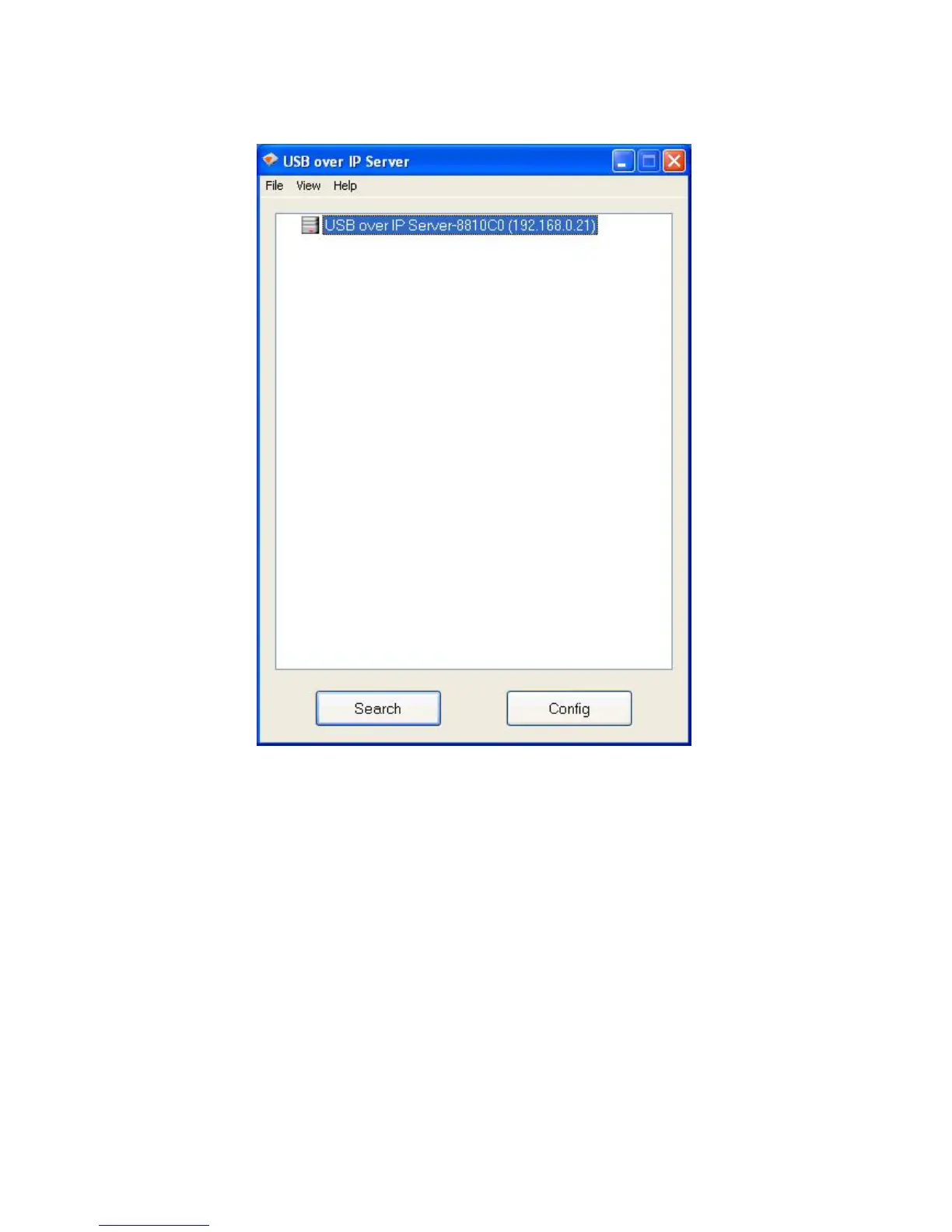
Server-8810C0(192.168.0.21)”. The “8810C0” is the last 6 digits of the Network USB
over IP Server’s MAC address, and the “192.168.0.21” is the Network USB over IP
Server’s IP address.
Connecting to an USB Device
1. Connect the USB cable on your USB device to the USB port of the Network USB over IP
Server, and make sure both the USB device and the Network USB over IP Server are
powered on. The USB device will then show up on the Network USB over IP Server utility
as a green icon. The green icon indicates that the USB device is ready to be connected.
If for any reason the USB device does not show up, please click the “Search” button to
refresh the list.


 To Next Page