Touch “Artist /Song/
Info / Category / Channel
” button
at top bar to display the channel detailed information.
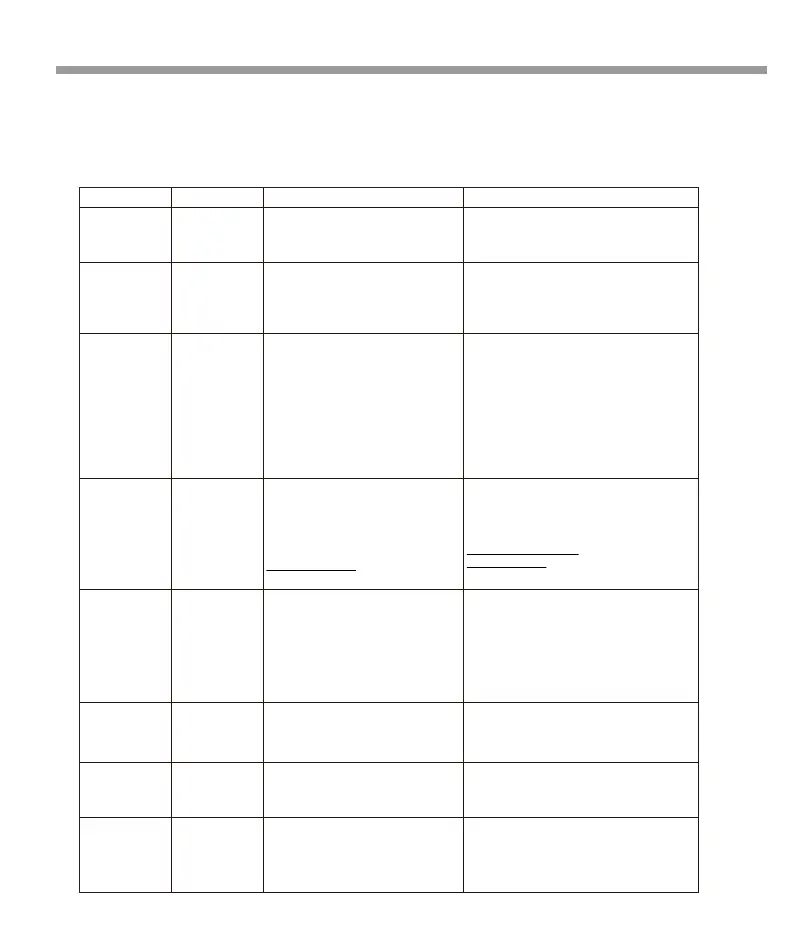
On-Screen Display Advisory Message Cause Explanation / Solution
Check Antenna Check Antenna
Check Tuner Check Tuner
•Enter the four digit code to unlock the channel
• Input the correct four digit code to unlock the
channel.
• Reset lock code to default following instructions.
No Signal No Signal
The SiriusXM Connect Vehicle Tuner has
difficulty receiving the SiriusXM satellite
signal.
The channel that you have requested is
Locked by the radio
User prompted to enter the lock/unlock
code.
The unlock code entered by the user is
incorrect
Channel Not
Available
Channel Not
Subscribed
Channel Not
Subscribed
Channel Not
Available
Channel Locked
Please Enter the
Lock Code
Incorrect
Passcode
Entered
Incorrect
Passcode
Entered
Please Enter the
Lock Code
Channel Locked
The radio has detected a fault with
theSiriusXM antenna. The antenna cable
may
be either disconnected or damaged.
• Verify that the SiriusXM Connect Vehicle Tuner cable is
securely connected to the radio SiriusXM connector/ cable.
• If the problem persists, disconnect and reconnect the tuner
and then contact your dealer.
•Theradio has difficulty communicating
with the SiriusXM Connect Vehicle Tuner.
• The tuner may be disconnected or
damaged.
• Verify that the SiriusXM Connect Vehicle Tuner
cable is securely connected to the radio SiriusXM
connector/ cable.
• If the problem persists, disconnect and reconnect
the tuner and then contact your dealer.
• Verify that your vehicle is outdoors with a clear
view of the southern sky.
• Verify that the SiriusXM magnetic mount antenna
is mounted on a metal surface on the outside the
vehicle.
• Move the SiriusXM antenna away from any
obstructions.
• Inspect the antenna cable for damage and kinks.
Replace the antenna if the cable is damaged.
• If the problem persists, disconnect and reconnect
the tuner and then contact your dealer.
The channel that you have requested is
not a valid SiriusXM channel or the channel
that you were listening to is no longer
available. You may also see this message
briefly when first connecting a new
SiriusXM Connect Vehicle tuner. Visit
www.siriusxm.com for more information
about the SiriusXM channel lineup.
The channel that you have requested is not a valid
SiriusXM channel or the channel that you were
listening to is no longer available. You may also see
this message briefly when first connecting a new
SiriusXM Connect Vehicle tuner.
Visit www.siriusxm.com
or
www.siriusxm.ca
for more information about the
SiriusXM channel lineup.
The channel that you have requested is
not included in your SiriusXM subscrip-
tion package or the channel that you
were listening to is no longer included
in your SiriusXM subscription package.
• Questions about your subscription in the United
States please visit
http://www.siriusxm.com/activatenow
or call
SiriusXM Listener Care at
1-866-635-2349.
• Questions about your subscription in Canada
please visit
http://www.siriusxm.ca/help/activation-help/
or
call XM Listener Care at
1-888-539-7474
•See the section on Lock Channel, more
information on the Lock Channel feature and how
to access locked channels.
Sirius XM
23


 To Next Page
 Loading...